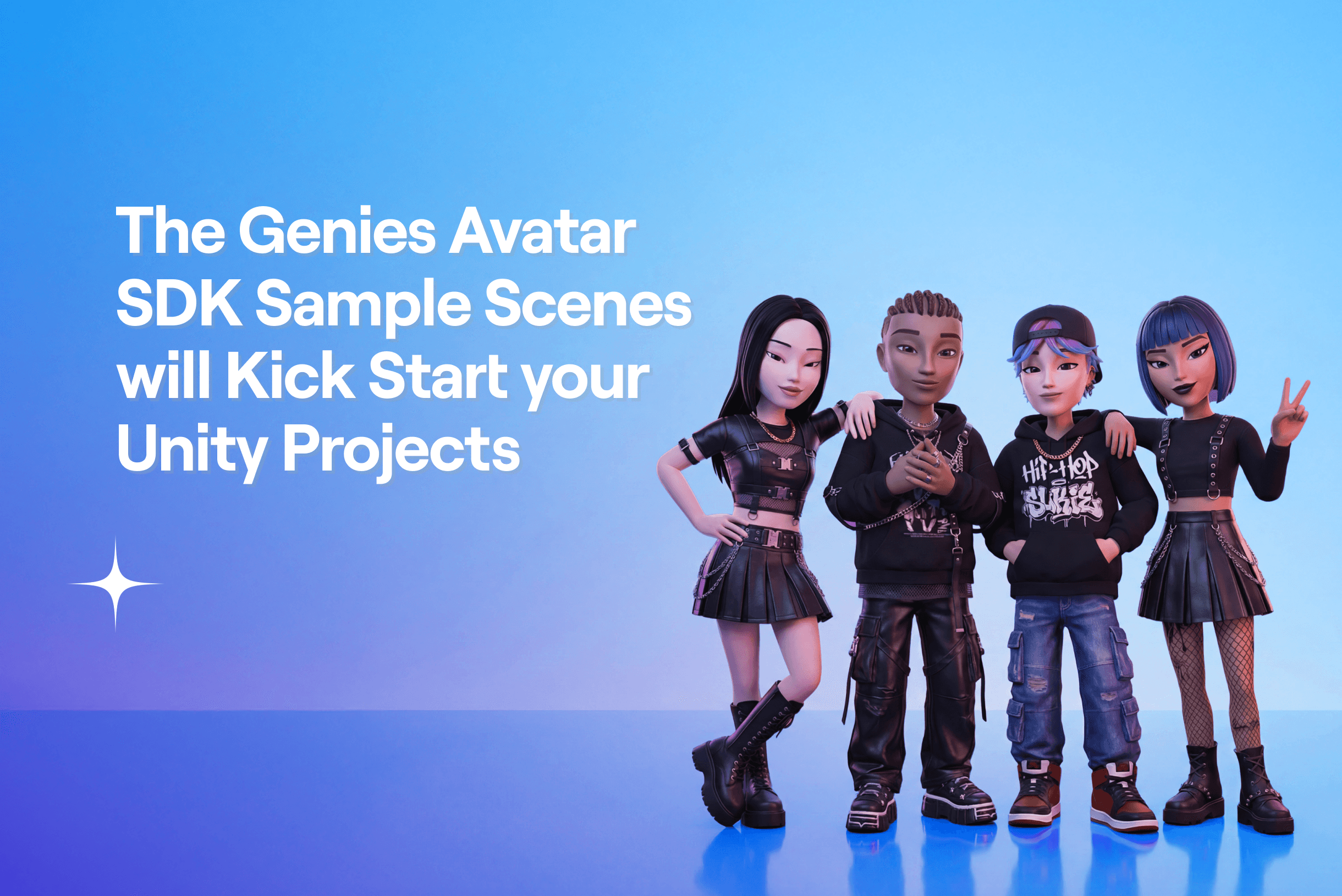
The Genies Avatar SDK Sample Scenes will Kick Start your Unity Projects
2026. 2. 16.
The Genies Avatar SDK includes three sample scenes that make it easy for Unity developers to use in their projects. They demonstrate the capabilities of the Avatar SDK and contain useful components that can be used in any project.
Avatar Starter Sample Scene
The Avatar Starter sample scene features an Avatar controlled by a third-person player controller. This is a common use case for 3D games. It’s recommended to run this scene first to experience how the Genies Avatar SDK would look in a game environment.
Here is a list of all the features:
Scene with textured fences, floor, and skybox.
Login screen that allows users to login anonymously or with their Genies account.
Player controller that spawns the user Avatar and uses input to move, run, and jump the Avatar.
A toggle to use mobile-friendly UI for input or keyboard and mouse input.
A button to open the Avatar Editor or logout.
Here’s a link to this sample scene’s documentation page
Debug SDK Sample Scene
The Debug SDK sample scene features a component that has almost all of the API functionalities as buttons. This scene is useful for testing more niche API methods such as gifting a user a custom-made wearable.
Here is a list of all the features:
Log in to a user’s Genies account.
Spawn multiple user Avatars and default Avatars.
Open and close the Avatar Editor.
Gift a user an asset (useful for custom UGC wearables).
Modify an Avatar’s wearables, skin color, and body size.
Display a list of all wearables in a user’s inventory.
Here’s a link to this sample scene’s documentation page
Multiple Avatars Sample Scene
The Multiple Avatars sample scene features two Avatars that are composed using locally-stored Avatar definitions. These Avatars differ from user Avatars because those are stored on Genies servers. Local Avatars are useful for using as an NPC or player character template.
Here is a list of all the features:
Two Avatars composed using a locally-stored Avatar definition.
Clicking on an Avatar opens the Avatar Editor.
UI to choose how the Avatar Editor saves the Avatar definition, either locally or remotely.
UI to choose the profile ID name if the Avatar definition is saved locally.
Here’s a link to this sample scene’s documentation page
If you need any help or have any further questions, reach out to us on the Genies Discord: https://discord.com/invite/genies