Avatar Design App: Craft a Digital Identity
Your profile picture can say hello. A well-designed avatar can say much more: what you value, how you want to show up, and whether your visual identity still feels like you across different platforms.
An avatar design app helps you shape a recognizable digital identity by choosing details such as facial features, hair, clothing, colors, and expressions. For a person, that can mean a more intentional way to represent yourself online. For a brand, it can create a character people recognize while leaving room for fresh content.
The strongest designs do not begin with random customization. They begin with a point of view. Before choosing a hairstyle or outfit, it helps to understand what this kind of app actually creates. How it differs from a one-off image, and which design decisions give an avatar a consistent identity.
What Is an Avatar Design App?
An avatar design app is a tool for shaping a visual representation of a person, creator, or brand. It gives you a way to make deliberate choices about how you appear in digital spaces, rather than relying on a single photograph or a default account image. That matters because digital identity influences how people project themselves online and how their social identity is represented in those environments. Research on digital identity describes that online representation as more than decoration. It is part of how people present themselves.
The key distinction is reuse. A static profile image is one finished asset. You upload it, crop it, and move on. An avatar can become a repeatable digital identity that works across multiple moments and settings. You might use the same character in a social post, a story, a virtual space, or a conversation, while changing the pose, clothing, expression, or scene around it. Avatar design apps support that continuity by helping users curate a representation that connects their real-world self with a virtual persona, as described in research on avatar-based identity.
That doesn't mean an avatar has to look like a literal portrait. It can be a stylized interpretation, a character with a distinct silhouette, or a visual shorthand for a brand.
The useful question is not. "Can this picture look realistic?" It is. "Can people recognize what this identity stands for?" Effective design starts by identifying the personality or identity behind the avatar. That identity may belong to an individual or an organization.
Personal identity and brand identity
For an individual, the design may reflect taste, humor, community, or the way they want to participate online. For a brand, the avatar needs to carry a recognizable point of view without becoming a random mascot. The same design logic applies in both cases: decide what should remain consistent, then choose what can change from one use to the next.
Personal avatar: a recognizable expression of one person's style and personality.
Brand avatar: a repeatable visual identity that supports a brand's character and communication.
Reusable digital identity: a representation designed to remain recognizable across different contexts, not just one profile.
So, an avatar design app is best understood as an identity tool, not merely a portrait generator. It helps turn an idea about who you are, or what your brand represents, into a visual system you can use consistently. Start with the identity. The colors, features, outfits, and settings should serve that decision, not replace it.
Which Design Choices Make an Avatar Feel Like You?
A convincing avatar is not built from one perfect feature. It comes from a set of choices that work together: the shape of the face. The colors you reach for, the way your character stands, and the expression people see first. Avatar design apps often let you adjust facial features, hair color, and clothing. Which makes the process less like picking a profile picture and more like defining a visual identity. Customization options continue to expand, including more diverse skin tones and styles.
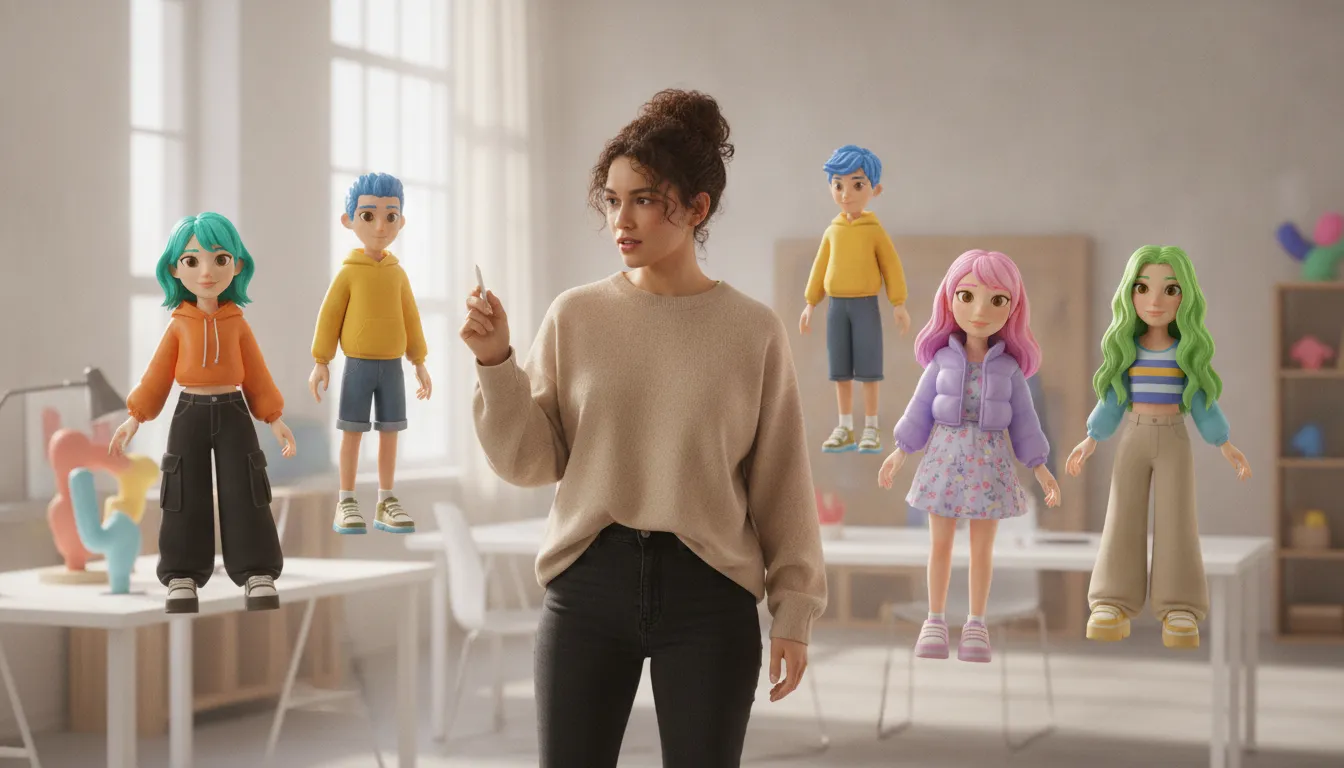
Start with the details that make the avatar recognizable at a glance. Facial structure can be angular, rounded, soft, or exaggerated. None is automatically more expressive than another. The useful question is whether the shape fits the identity you want to project. Skin tone should feel representative rather than treated as a decorative palette. Hair adds another strong anchor through length, texture, color, and silhouette. These choices should support the person or persona behind the avatar, not flatten them into a generic look.
Face: Choose proportions and features that communicate the character's personality, whether that means understated, playful, bold, or unusual.
Hair: Use shape and texture as recognizable markers, then decide whether color should stay natural or become part of the character's signature.
Clothing: Pick outfits that signal taste, role, community, or mood. A repeatable jacket, accessory, or shoe can become a visual calling card.
Color: Build a small palette instead of selecting every color independently. Consistent color makes later outfits and scenes feel connected.
Silhouette: Check the outline at small size. If the avatar is still identifiable without facial detail, the design has a strong foundation.
Expression: A relaxed smile, raised brow, or focused look can change the character's meaning more than another clothing option.
Clothing and color are especially useful when an avatar needs to work across more than one setting. A personal character might have a favorite color or a recognizable accessory. A creator may want several outfits that feel like the same identity rather than unrelated costumes. For a brand, a consistent palette and silhouette can help audiences recognize the character across social posts and other digital environments.
Background is part of the design, too. Personal avatar design tools often include background selection to set the scene for a persona. Use it to establish context, but keep the subject clear. A simple gradient, room, or atmospheric color field may say more than a busy backdrop. The background should frame the avatar, not compete with it.
Finally, test expressions before you settle on the look. The right design should hold up when the avatar is excited, skeptical, amused, or calm. When facial structure, styling, color, silhouette, background, and expression point in the same direction, the result feels intentional. That is the difference between an avatar that merely resembles a person and one that feels like it belongs to them.
How Can Brands Use an Avatar Design App Without Losing Consistency?
A brand avatar works best when it is treated as a recognizable identity system, not a mascot that changes costume every time the content calendar does. Start by deciding what the character should communicate: playful, curious, calm, bold, or something more specific to your audience. Effective avatar design begins with the brand identity, then turns that identity into repeatable visual choices. Consistent digital aesthetics can support recognition and trust, but only when the consistency feels intentional rather than repetitive.
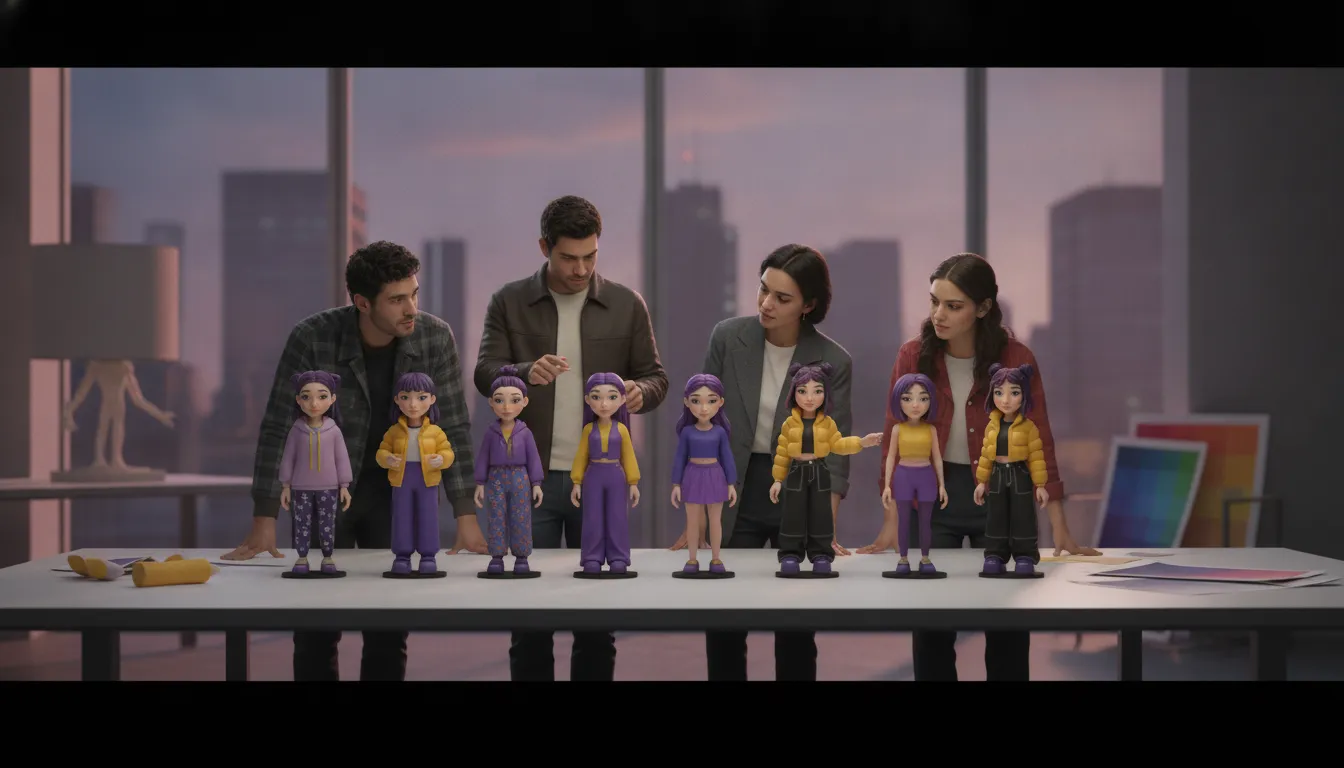
Build a compact visual rulebook before producing a library of avatar content. It does not need to be a 40-page brand document. A single page can define the elements that should remain stable and the elements that can change.
Core silhouette: Keep the overall shape, proportions, and distinctive facial or hair features recognizable at a glance.
Color anchors: Choose a small set of recurring colors for clothing, accessories, backgrounds, or lighting. Use them consistently, but leave room for seasonal variation.
Signature details: Repeat one or two memorable cues, such as a particular accessory, eyebrow shape, hairstyle, or graphic motif.
Expression range: Establish how the avatar looks when it is welcoming, excited, thoughtful, or serious. The mood can change without changing the identity.
Usage boundaries: Note which settings, jokes, poses, and cultural references fit the brand, and which ones do not.
Keep the anchors stable, then adapt the format
Channel adaptation should change the presentation, not the character. A profile image may need a simple crop and a clear silhouette. A short social post can use a more expressive pose. A community interaction may call for a closer, more conversational frame. The avatar can wear different outfits or appear in different settings as long as its most recognizable features remain intact.
This approach gives a team useful flexibility. It also reduces the risk of each designer inventing a slightly different version of the same identity. Avatars in corporate settings can support unified branding while preserving a personal point of connection for the people seeing or using them, according to research on avatars in business contexts.
Review for recognition before publishing
Test the avatar outside the design file. Shrink it to thumbnail size, place it beside other brand assets, and view it in the channel where it will appear. Ask someone who was not involved in the design to identify the brand and describe what feels familiar. If recognition depends on a tiny logo or a specific caption, the visual identity needs stronger anchors.
High-quality avatar design can contribute to a professional digital presentation in business settings, but polish is not the same as consistency. The goal is a character that feels like the same brand in every setting, even when its pose, outfit, or message changes. Review these AI avatar creation steps when you are ready to turn the rules into a repeatable creation workflow.
From a Designed Avatar to an Expressive Character
A strong avatar starts with visual choices, but personality shows up in what happens next. The same character can feel thoughtful, playful, dramatic, or reserved depending on how it moves, reacts, and communicates. That is the difference between a polished image and a digital identity people can recognize across different moments.
Think of expression as a set of distinct layers. Keeping those layers separate makes the character easier to direct and more consistent to use.
Animation: Movement gives the character energy. A turn, blink, idle loop, or change in posture can make a still design feel present.
Gestures: Hand movements, head tilts, facial reactions, and timing communicate attitude without requiring dialogue. A quick wave and a slow nod do not say the same thing.
Voice and behavior: Tone, word choice, response patterns, and boundaries define how the character acts. These choices should support the visual design rather than contradict it.
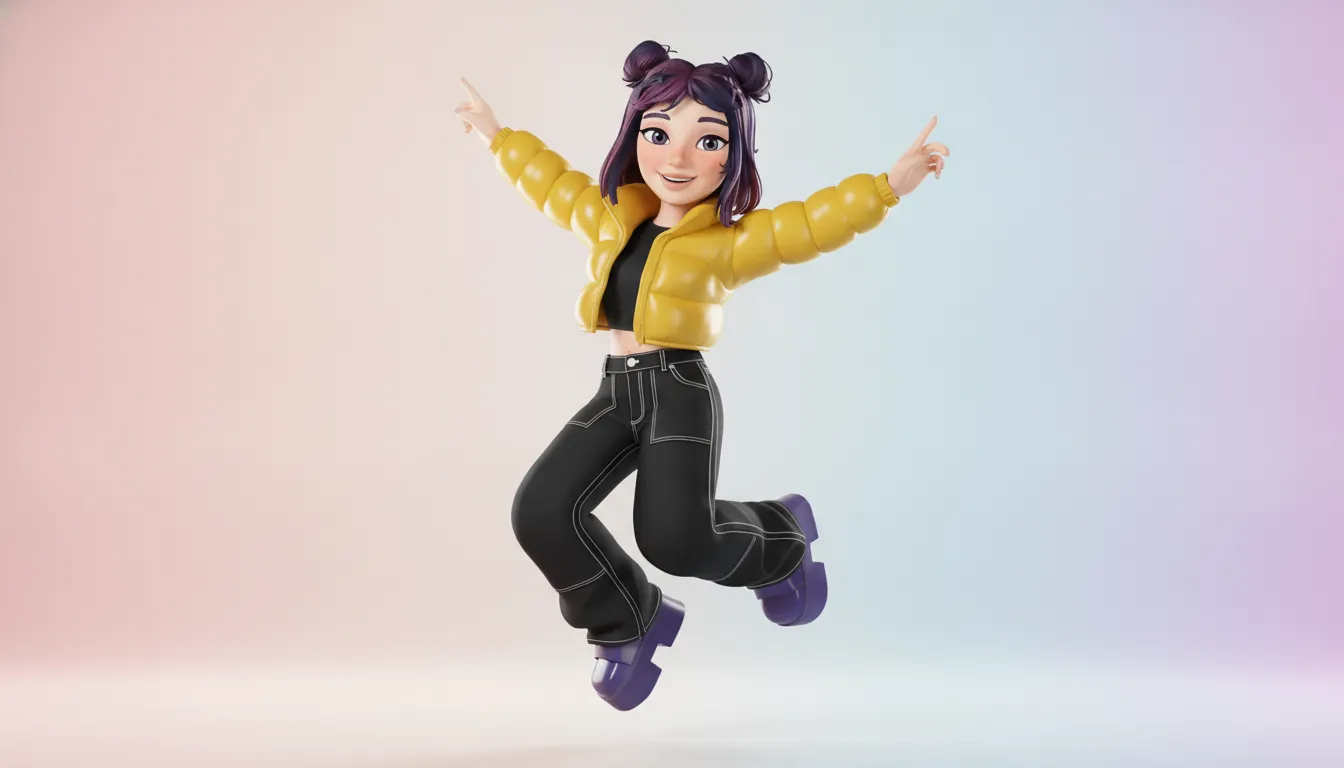
Animation does not need to be elaborate to be useful. A few repeatable motions can establish a recognizable presence in a social post, short video, or interactive scene. The key is intent. A character designed as calm and observant might use measured motion and small reactions. A more energetic character might shift weight, gesture broadly, and respond with faster timing. The visual model stays the same, while the performance changes with the situation.
This flexibility matters because avatars now appear in more than profile pictures. User-created avatars support personal expression on social platforms, while digital avatars are increasingly used in interactive storytelling. Research from the CDC also describes avatars being integrated into telehealth and digital education programs to make interactions more engaging: CDC research on avatars in digital programs. In a story, a character's reaction can guide the audience toward the emotional meaning of a scene. In a meeting, a custom avatar can represent a participant while preserving recognizable personal details.
For brands, the goal is not to make every appearance identical. It is to make the character identifiable while allowing the performance to fit the channel. Define a small set of behavioral rules: how the character greets people, what emotions it shows readily, how formal its voice is, and which gestures feel natural. Those rules create continuity without turning every post into a copy of the last one.
Genies Chat is a live place to interact with Genies characters, not a promise that the chat itself creates a custom character. That distinction matters when choosing an avatar design app or planning a broader character system. Design the look first, then decide how movement, gestures, voice, and behavior will carry that identity wherever it appears.
What Should You Look for in an Avatar Design App?
The best avatar design app gives you meaningful control without making you learn a 3D modeling program first. Look past the number of stickers or outfits. A useful tool should help you create a character that feels intentional, remains recognizable, and can move with you across the places you actually use it.
Start with the criteria below. They apply whether you are shaping a personal identity or building a consistent visual character for a brand.
Avatar design app evaluation checklist | |
Criterion | What to look for |
|---|---|
Customization depth | Choose more than a handful of templates. Look for control over facial features, skin tones, hair, clothing, accessories, colors, and backgrounds. The goal is a distinct identity, not a slightly edited default. |
Ease of use | An intuitive interface and useful starting templates should let you make progress quickly. You should be able to preview changes, undo mistakes, and refine details without technical design skills. |
Expression | Check whether the avatar can communicate more than a neutral pose. A useful range of expressions, poses, and moods makes the character suitable for conversation, storytelling, and social content. |
Output and portability | Confirm that you can export images in formats and dimensions suited to your intended channels. If the character will appear in multiple places, portability matters as much as the initial design. |
Identity control | Look for repeatable visual choices and a way to keep the character consistent over time. You should decide what changes and what stays fixed, especially when several people contribute to the brand. |
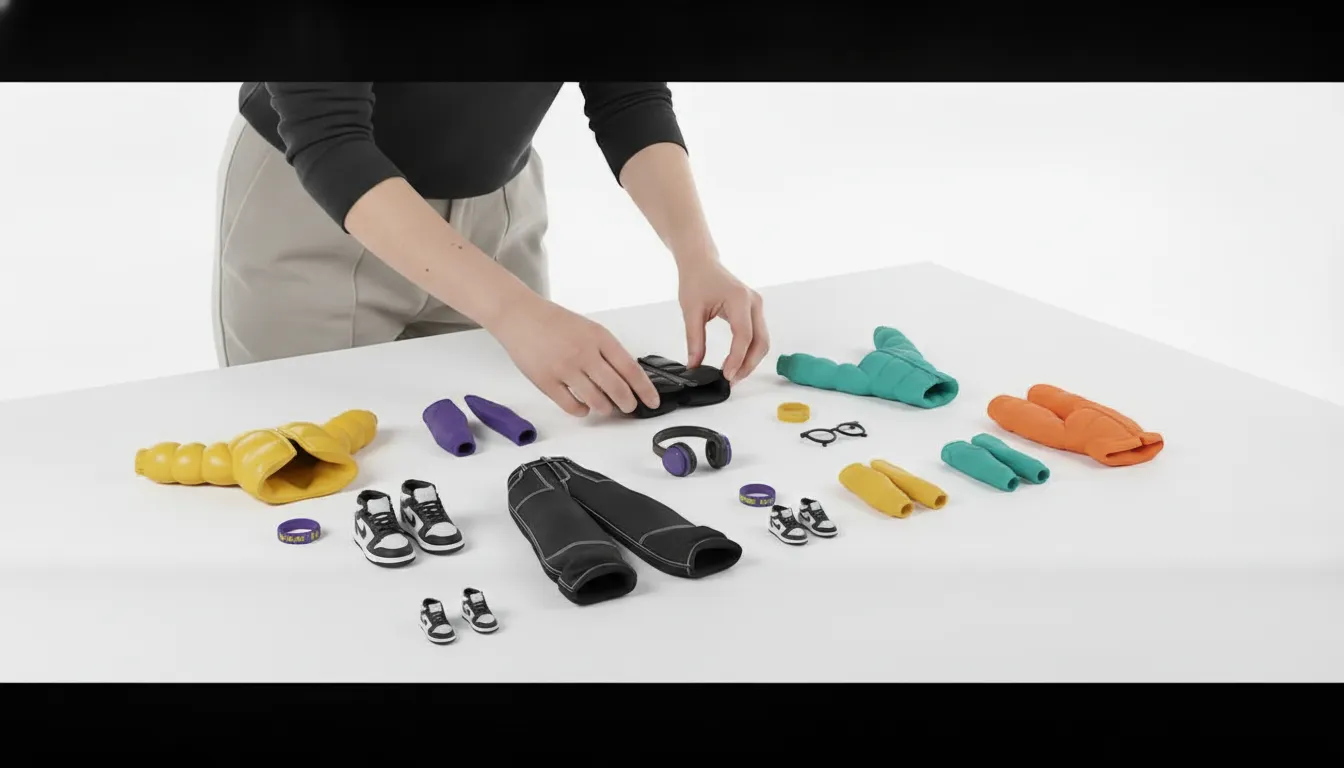
Customization is only useful when it supports a point of view. Research collected by Genies notes that avatar tools commonly include hair, facial features, clothing. And background selection, while newer tools continue to broaden the range of skin tones and styles. That flexibility helps you create a character with recognizable anchors rather than chasing every available option.
Also consider what happens after the first design session. An app that lowers the technical barrier lets more people participate, but the final output still needs to work outside the editor. Test a few expressions, outfits, and crops before committing to a visual system.
Pick two or three signature elements, such as a color, silhouette, hairstyle, or accessory.
Test the avatar at small sizes, where overly fine details may disappear.
Export a few practical variations before you need them for a profile, post, or message.
Review the identity later and update it deliberately, rather than changing everything at once.
In short, prioritize control that produces consistency. The right tool should make personal expression easier while leaving the important design decisions in your hands.
A Practical Workflow for Designing a Digital Identity
Start with identity, not a menu of hairstyles. An avatar works best when it carries a clear point of view across profile images, conversations, games, or other digital spaces. Effective design begins by identifying the personality or brand identity the character should express. That decision gives every later choice a job, from silhouette to color to the way the avatar reacts.
Define the identity. Write down three to five traits the avatar should communicate. Curious, playful, calm, precise, bold, and understated will lead to very different design choices. For a brand, note the audience, values, and tone the character must represent. Keep this list visible so you can reject attractive details that do not fit.
Choose visual anchors. Select a small set of recognizable cues, such as a distinctive color family, hairstyle, accessory, face shape, or silhouette. You do not need every option in the editor. You need a few elements that make the character identifiable at a glance. Background selection can also establish the setting around the persona, but treat it as support rather than the identity itself.
Test expressions and outfits. Try the avatar in more than one mood and setting. Check whether the face still reads as intentional when it is smiling, serious, surprised, or relaxed. Rotate outfits without abandoning the visual anchors. Many users prefer tools that make rapid customization possible, because useful design often comes from comparing several versions rather than defending the first one.
Check consistency across contexts. View the character at different sizes and against light and dark backgrounds. Ask whether the same identity survives a small profile image, a full-body scene, and an animated interaction. For a brand, compare mockups across social channels and campaign formats. Consistent visual choices support recognition and trust, while small variations can keep the character from feeling rigid.
Decide where the avatar will live. Choose the first real use before finalizing the design. A character intended for chat may need clear expressions and a readable face. One used in a game or community may need a strong full-body silhouette and flexible outfits. Confirm the destination's format, export, and interaction requirements. Then save a simple reference sheet with the approved colors, traits, anchors, and allowed variations.
This workflow keeps customization tied to purpose. It also makes revisions faster: when a new platform or campaign appears, you can update the identity without starting from zero. Custom avatars can provide a scalable way for a brand to refresh its digital identity as the brand evolves, provided the core cues remain recognizable.
Genies Chat is currently available for interacting with existing characters. Genies Studio is not yet live for building custom Genies, so do not treat it as the place to complete this workflow today. For now, use the process to clarify the identity you want, then choose tools and destinations that are actually available for the stage you are in.
Meet interactive 3D characters in Genies Chat
Frequently Asked Questions
Can I use an avatar design app for my brand?
Yes. Start by defining a small set of repeatable rules for the character, such as its silhouette, color palette, styling, and usual expressions. A consistent avatar can support recognition across social profiles and other digital spaces while still leaving room for seasonal content or campaign-specific details.
What makes an avatar design app user-friendly?
A user-friendly tool makes the important choices easy to find and revise. Look for clear customization controls, useful starting templates, straightforward previews, and export or sharing options that fit where you plan to use the avatar. You should be able to test a change without rebuilding the character from scratch.
What app can I use to create an avatar from a selfie?
Choose a tool that explains how a selfie is used and gives you control over the result. A photo can provide a starting point, but review the face, hair, clothing, colors, and overall silhouette before publishing. The finished avatar should reflect your intended identity, not simply reproduce the source image.
Can I create an avatar for free?
Some tools offer free templates or basic customization, while advanced styles, assets, exports, or editing controls may vary by product. Before committing, check what the free version actually includes and whether you can use the result for your intended personal or commercial purpose.
Ready to explore a more expressive digital identity?
A thoughtfully designed avatar can give your online presence a clearer point of view, whether you are shaping a personal style or a brand character. To explore Genies Chat and meet interactive 3D characters, get started with Genies Chat.