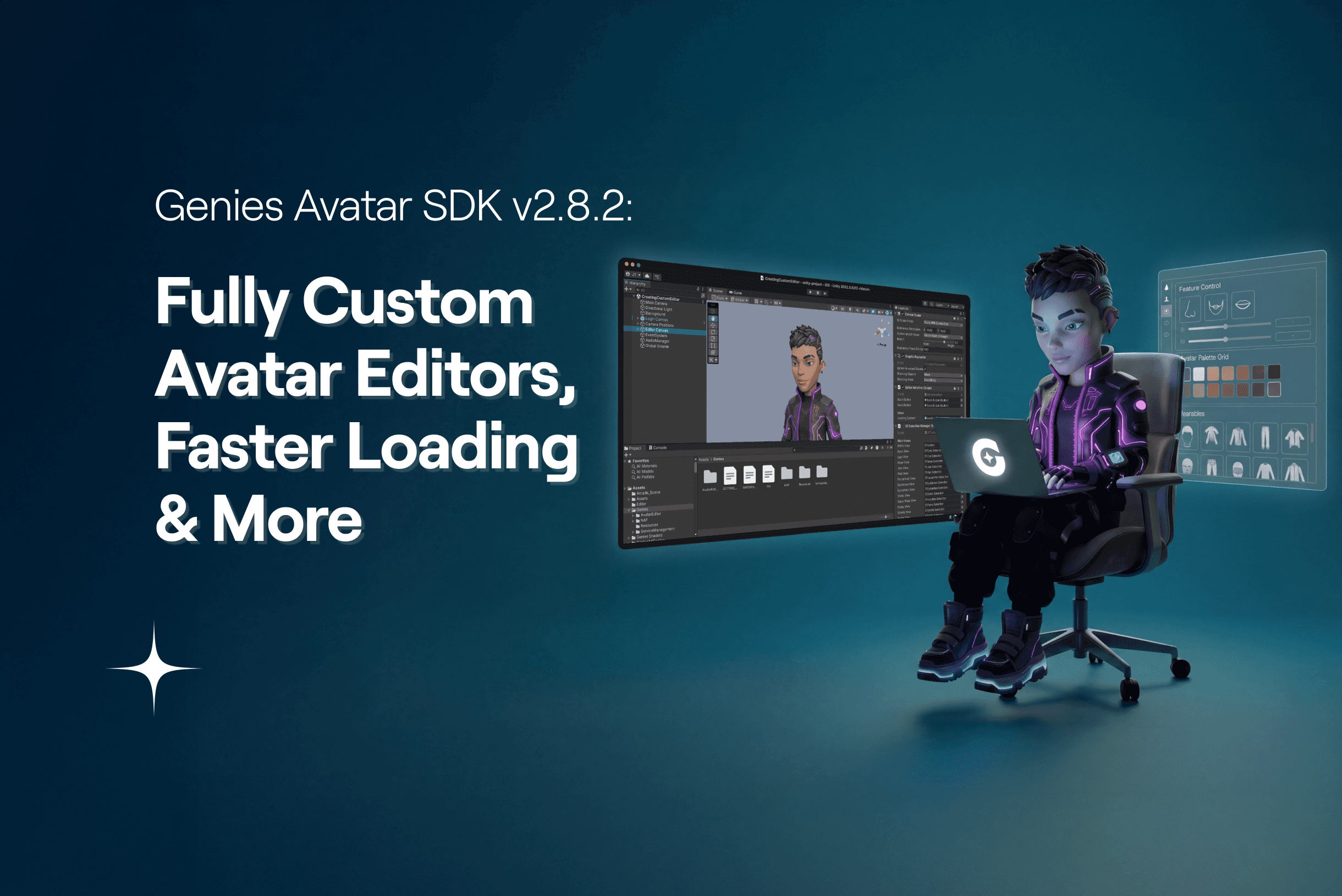
Genies Avatar SDK v2.8.2: Fully Custom Avatar Editors, Faster Loading & More
We’re excited to share the latest update to the Genies Avatar SDK. Version 2.8.2 is focused on improving developer experience, giving you faster avatar load times, more customization options, and ways to build fully custom in-game avatar editors for your games.
Key Unlocks for Developers
Avatar Customization API: Build fully custom in-game avatar editors using the AvatarSdk class. The API gives full control over avatars, letting you:
Equip and un-equip wearables, hair, makeup, and tattoos on a live avatar.
Read and set colors for hair, eyebrows, and eyelash categories using curated default presets and user-saved custom colors.
Read and set colors for skin, eyes, facial hair, and makeup categories using curated default presets.
Adjust facial and body feature sliders (nose shape, lip size, jaw, eye proportions, body stats, etc.) with per-stat control.
Browse available inventory by category: default wearables, user-owned wearables, hair assets, facial features, makeup, and tattoos.
Save the avatar back to the user's profile on the server.
Avatar Load Performance: Avatars now load faster thanks to core tech improvements, reduced texture overhead, and smarter async handling. Wearable switching now cancels previous operations automatically to prevent conflicts.
Asset Pre-Caching APIs: Pre-download and cache avatar assets in the background before they appear in your game. Works for the authenticated user, the default avatar, or any avatar by JSON definition. Pre-caching reduces visible load times and ensures smoother gameplay.
Out-of-the-Box Multiplayer Support: Avatars can now be loaded from JSON definition strings or by user ID, making it easier to display other players’ avatars in multiplayer games and handle repeated loads or NPCs efficiently.
Not Just That: More Features with this Update
New Wearables in the Default Closet: We’ve added tens of new wearables to the default closet, giving developers more variety out of the box for customizing avatars. We’re also happy to announce the launch of our new Art Forge SDK, designed to help developers and artists create game-ready wearables in minutes. Learn more in our blog and download the SDK from the Unity Asset Store.
New Sample Scenes:
Creating an Avatar Editor: Shows how to build a fully functional in-game avatar editor UI with wearable browsing, color selection, feature sliders, animated UI, and audio feedback.
Demo Mode: Load a test avatar without requiring sign up or log in.
Bootstrap Wizard and Quality-of-Life Improvements: The wizard now makes importing samples and initializing projects faster and simpler, with more reliable behavior across different editor setups.
Explore the release notes and full documentation here: https://docs.genies.com/docs/sdk-avatar/release-notes/sdk-avatar-2-8-2
Looking Ahead
The Genies Avatar SDK continues to evolve thanks to developer feedback, and this release unlocks powerful new ways to integrate avatars into your games. With the expanded Avatar Customization API, new wearables, faster loading, pre-caching, and multiplayer-ready avatar support, you have more tools than ever to build rich, immersive experiences for your players.
We’re also excited to see how developers leverage the new Art Forge SDK to create game-ready wearables in minutes, expanding the possibilities for avatar personalization.
Join our Discord to share your ideas, request new features, and connect with other developers. Your feedback helps shape the future of the Genies Avatar SDK, and we can’t wait to see the amazing games you build with it.