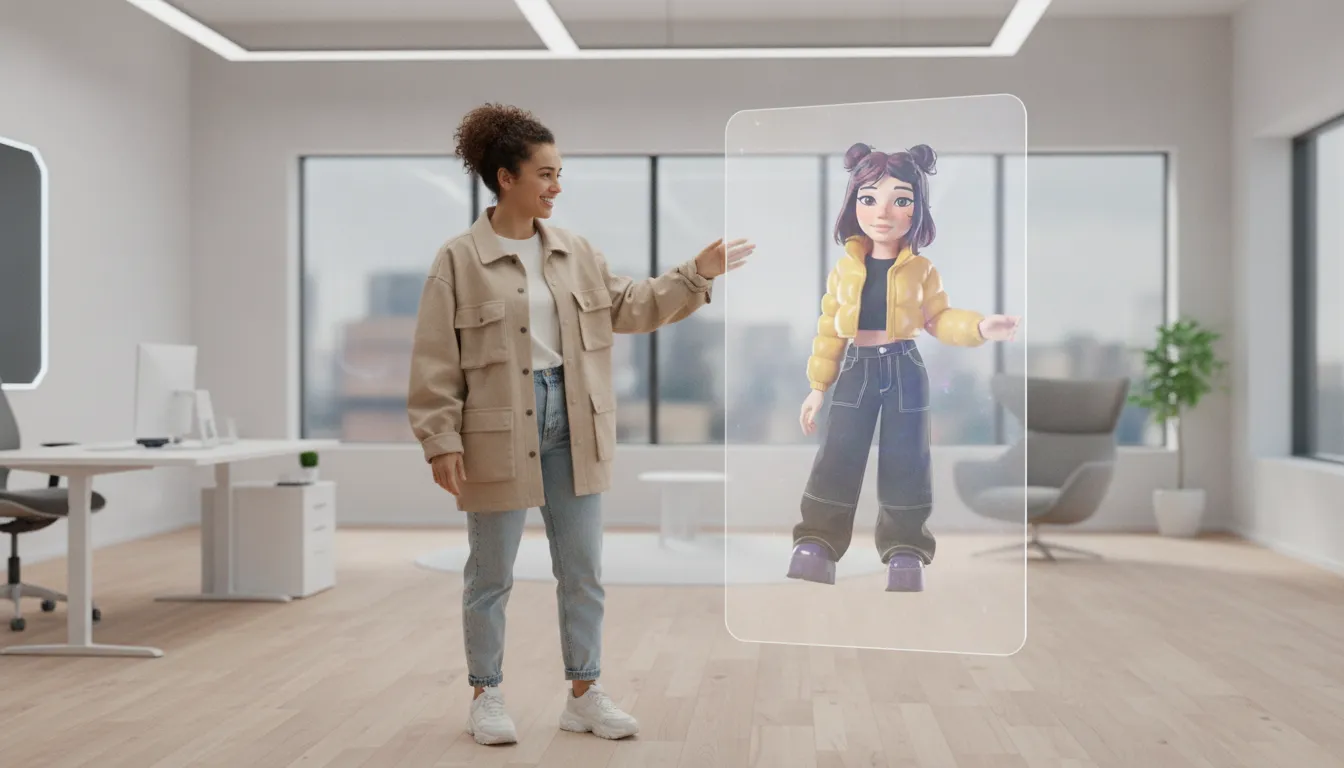
AI Avatar Builder: A Practical Guide to Lifelike Avatars
Building an avatar that feels alive is not just a matter of generating a good-looking face. It also needs movement, expression, voice, and a clear role in the experience you are creating. The right tools can turn a complex production process into something a creator, brand, or development team can actually manage.
An ai avatar builder is software that helps you create and customize a digital character, then gives it appearance, animation, voice, or interactive behavior. The best choice depends on whether you need a photo-based presenter, a stylized character, a game-ready 3D avatar, or an embeddable system for a larger product. AI avatars can also reduce production costs, support localization, and keep brand communication consistent across content formats (USC).
Start building your AI avatar with Genies Chat and see how approachable the process can be, or keep reading to understand what separates a usable AI avatar builder from a toy.
Start with the outcome, not the feature list. A short-form video, a virtual fitting experience, and an interactive game character have very different technical needs. Once you know what the avatar must do, the categories become easier to compare, and the underlying tools make more sense.
What Is an AI Avatar Builder?
An AI avatar builder is a tool that turns a person, design brief. Or creative idea into a digital character you can use in content, games, social spaces, or interactive products. Instead of sculpting a model, rigging every joint, and animating each expression by hand. You start with inputs such as photos, text prompts, style choices, or a ready-made character template. The platform then helps generate the avatar and prepare it for movement, speech, or real-time interaction.
That definition covers more than one kind of product. Some builders make a polished profile character in minutes. Others create a persistent 3D identity that can move between experiences. The right choice depends less on how impressive the preview looks and more on what the avatar needs to do after it is created.
Photo-based digital twins
Photo-based builders are designed to create an avatar that resembles a specific person. A user may upload one photo for a fast, stylized result, while more advanced workflows use multiple images or photogrammetry to reconstruct greater detail. Photogrammetry can support a more individualized model, but it generally asks more from the user than a simple upload. Research on metrically accurate avatars notes that traditional approaches can involve expensive 3D scanners, which is one reason accessible photo-based methods matter. A PubMed review of avatar measurement methods also highlights privacy and accuracy considerations when personal photos or videos are involved.
This category works well for digital twins, virtual try-on, telepresence, and personal brand content. It is a poor fit if the goal is a deliberately fictional character rather than a recognizable likeness.
Stylized cartoon characters
Stylized builders take a different route. They let you shape a character through visual presets, proportions, clothing, hair, accessories, colors, and other creative controls. The result may resemble a cartoon, game character, or highly designed digital persona instead of a real human. That distance from realism is often the point. A stylized avatar can be easier to recognize, more expressive, and more consistent across social posts, games, and virtual communities.
Talking video avatars
Talking video avatar platforms focus on performance. You provide a script, voice, or presentation, and the system generates a speaking character with lip-sync and facial movement. These tools are useful for explainers, training, localization, and recurring communications where recording a person for every update would be slow or expensive. The avatar is usually delivered as video, so portability is high, but interaction and gameplay may be limited.
SDK and embeddable avatars
An SDK-based avatar builder is built for products, not just exported clips. Developers can place avatars inside a game, app, website, or social experience, then connect them to controls, animation systems, and other software. This category may require more technical setup, but it can support persistent identity, real-time behavior, and richer interaction. In short, an ai avatar builder can be a quick creative tool, a video production system, or part of a larger avatar platform. Define the destination first. The creation method follows from there.
The Core Capabilities That Separate a Great Avatar: Looks, Behavior, Expression, Play
A convincing avatar is more than a polished face on a screen. It needs visual identity, a sense of character, responsive emotion, and enough technical flexibility to move beyond one demo. These four pillars work together. If one is missing, the avatar may look impressive in a still image but feel flat the moment it speaks, moves, or enters a new environment.
Looks: visual identity with enough fidelity to hold up
Looks cover the obvious layer: face, body, clothing, hair, textures, proportions, and style. A strong AI avatar builder should support more than a library of interchangeable faces. It should give creators meaningful control over identity while preserving clean geometry and consistent detail across expressions and camera angles.
That quality also depends on rendering. Research on hybrid 3D Gaussian avatar representations combines neural fields with parameterized meshes to support high-fidelity, real-time rendering. The practical takeaway is simple: visual quality cannot be separated from performance. An avatar that looks excellent in a preview but breaks down in motion is not finished.
Behavior: the avatar needs a point of view
Behavior is what turns a digital character into an interaction rather than a costume. In Genies Smart Avatar AI, LLMs, persistent memory, personality engines, and behavioral AI give avatars a way to respond consistently and develop over time. That means the avatar can carry context, reflect a defined personality, and react in ways that feel intentional instead of randomly generated.
For creators, brands, and game developers, this distinction matters. A character with a visual style but no behavioral model is limited to scripted moments. A character with a clear personality can participate in conversations, social experiences, and gameplay without losing its identity.
Expression: emotion has to reach the face and voice
Expression includes facial control, eye movement, gestures, voice, and lip-sync. These details are not decorative. They communicate whether an avatar is amused, uncertain, excited, or listening. High-quality avatar systems increasingly focus on lip-sync and facial expression while reducing artifacts such as extra limbs. Multiple faces, and blur, as documented in research on avatar generation models (PubMed).
Play: make the avatar ready for the real world
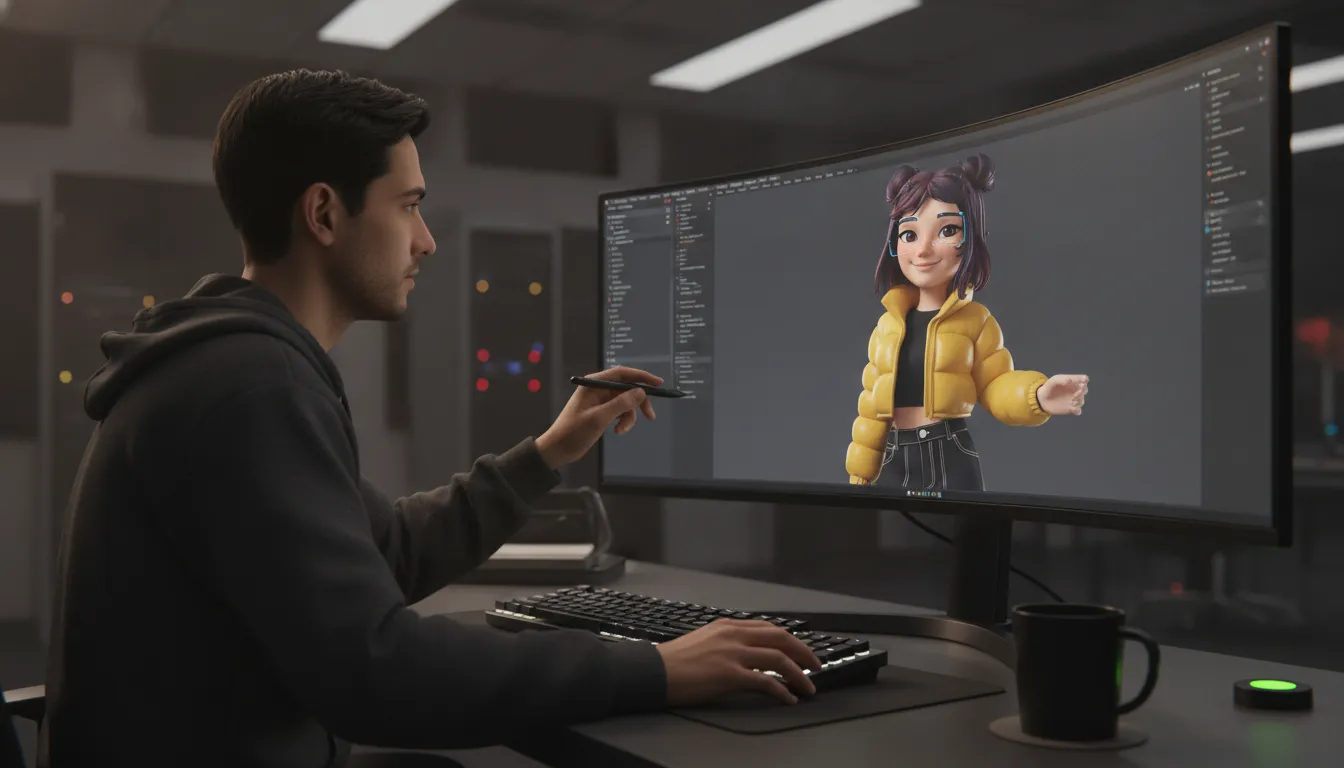
Play is the portability layer. A great avatar should be animatable, game-ready, and able to work across experiences rather than staying trapped inside one builder. Realistic animation and motion retargeting help movement transfer correctly between different avatar bodies and skeletons. Research on 4D avatars shows why this matters: geometry and skeleton differences must be accounted for when adapting motion to a target character (PubMed).
Genies approaches this through AutoRigging and an Avatar Framework designed for interoperability across platforms, engines, and devices. The goal is not just to export a model. It is to preserve a recognizable identity wherever the avatar goes.
Capability | Basic avatar builder | Smart SDK-based builder |
|---|---|---|
Looks | Preset faces and limited styling | High-fidelity identity, flexible customization, and real-time rendering |
Behavior | Static character or scripted responses | Personality, memory, LLM-driven responses, and behavioral AI |
Expression | Basic talking animation or one-size-fits-all gestures | Facial control, natural lip-sync, emotion, and responsive movement |
Play | Single-format export or closed platform | Animatable, game-ready assets with motion retargeting and interoperability |
When comparing an AI avatar builder, evaluate all four pillars together. The best result is not the avatar that wins a screenshot comparison. It is the one that can look distinctive, behave coherently, express emotion, and keep playing when the experience gets bigger.
How to Evaluate an AI Avatar Builder Before You Commit
A polished demo can hide the parts that matter after launch. Before choosing an AI avatar builder, test the full experience you expect to deliver, from the first customization pass to the final API request. The right platform should make creation approachable without boxing your team into a fixed character, limited motion system, or voice that feels obviously synthetic.
Define the use case and the success criteria. Start with the job, not the feature list. Are you making a recurring social character, an interactive game avatar, training content, customer support videos, or a digital identity that needs to move across products? Write down where the avatar will appear, who will use it, and what a successful result looks like. A creator may prioritize fast iteration and expressive style, while a game team may need rig compatibility, real-time performance, and reliable motion. This decision also determines whether you need a single finished render or an asset that can keep adapting.
Compare customization depth with ease of use. Run the same short brief through each platform and record how much control you actually have. Check body proportions, face shape, hair, clothing, accessories, colors, identity, and character style. Then measure how many steps it takes to make a meaningful change. Research on individual-specific avatars highlights the tension between precise representation, complex capture requirements, and privacy concerns around photographs or video, so convenience alone is not the whole answer. Look for clear controls and predictable results, not a wall of sliders that makes every revision a technical project. Research on avatar personalization and privacy supports evaluating both sides of that trade-off.
Verify animation and motion quality. Do not judge a character from a still image. Ask it to walk, turn, gesture, react, and hold a pose. Watch the eyes, mouth, hands, shoulders, and transitions between movements. Look for foot sliding, stiff timing, facial drift, broken joints, or gestures that do not match the intended action. Strong systems need more than a good model; they need animation that stays aligned with the avatar's body and the motion source. Academic work on 4D avatars and motion retargeting provides a useful benchmark for asking whether movement remains coherent as geometry and skeletons change: see the STAR study.
Test speech synthesis as part of the character. Give every finalist the same script, including a question, a pause, a name, a number, and a line with emotional contrast. Listen for pronunciation, pacing, breath, emphasis, and whether the delivery fits the avatar's personality. A visually convincing character can still lose trust if the voice is flat or the lip movement lags behind the audio. Assess speech quality alongside visual fidelity, rather than treating voice as an add-on. Also test whether you can revise a line without rebuilding the entire scene.
Confirm integration and API access. Finally, trace the path from creation to production. Can you export the asset in the format your team uses? Is there an API, webhook, SDK, or other automation path? Check authentication, rate limits, versioning, usage rights, rendering time, and what happens when a request fails. An API matters if you plan to generate content at scale, connect avatar behavior to an application, or keep identity and settings consistent across channels. Current avatar research also points to released code and models as useful signals for technical evaluation.
Use the same test brief, clips, and acceptance criteria for every platform. That turns an impressive first impression into a decision you can defend when the avatar has to do more than look good in a preview.
Photorealistic or Stylized: Which AI Avatar Is Right for You?
The right visual style depends less on what looks impressive in a demo and more on what your audience needs to feel, understand, or do. A photorealistic avatar can work as a digital twin, presenter, trainer, or talking video host. A stylized avatar can become a recognizable brand character, a game-ready identity, or a more expressive guide that does not pretend to be a real person.
Photorealism is strongest when trust, recognition, or direct communication matters. A customer-support video may benefit from a familiar human-like face. So might an internal training presenter or a creator who wants an animated version of themselves. Some platforms begin with a photo upload for speed, while more involved workflows use photogrammetry or other capture methods to build a more individual-specific result. Research on avatar creation notes that precise likeness can involve difficult trade-offs around capture equipment, privacy, and measurement accuracy. That research is especially relevant when a likeness needs to work beyond a single headshot.
Stylized avatars are often the better choice when the goal is identity rather than imitation. A cartoon character can use bold proportions, unusual colors, or fantasy features that would feel artificial on a realistic face. That gives brands room to create a mascot, gives game teams a distinctive player identity, and gives creators a visual signature that is easier to remember across platforms. It can also reduce the uncanny-valley problem. Viewers generally understand the design is intentionally imaginative, so small deviations in facial detail are less distracting.

Use these questions to make the choice practical:
Do you need recognition? Choose photorealistic when the avatar should resemble a specific person or carry a human presenter role.
Do you need a memorable character? Choose stylized when visual language, world-building, or brand distinctiveness matters more than likeness.
Will the avatar move often? Test facial animation, body motion, and consistency across poses. A convincing still image is not enough for video, games, or interactive experiences.
Will audiences see it repeatedly? Prioritize a design that remains legible at different sizes, on mobile screens, and in fast-moving content.
There is no rule that says you must choose one style forever. A team might use a photorealistic digital twin for expert explainers and a stylized character for social content or a game world. When comparing an ai avatar builder, test both the visual output and the animation workflow. The best option is the one that makes your intended format feel native, not the one with the most technically dazzling preview.
Why the Best AI Avatar Builder Goes Beyond a Pretty Face
A polished avatar is a starting point, not a product strategy. The real test is what happens after the character is created. Can it move into the tools your team already uses? Can it remain recognizable across games, apps, and devices? Can developers update its look, behavior, and abilities without rebuilding everything from scratch?
That is where an AI avatar builder becomes infrastructure. Integration with existing workflows matters because avatar content is rarely a one-time asset. It may need to support a game launch, a social experience, an interactive campaign, or a product catalog. Research on avatar systems points to the value of supporting multiple applications and content workflows rather than locking every use case into one narrow format. Advanced avatar research also shows how modern systems are designed for scenes, reenactment, and more than a single portrait.
For developers, an API is a practical dividing line. A visual editor can help someone make a character quickly, but an API lets a product create, retrieve, personalize, and update avatar data programmatically. That opens the door to onboarding flows, user-generated content, live events, and automated experiences. When comparing platforms, ask whether the SDK is documented, whether it supports the engines you use. And whether the avatar can travel with the user instead of being trapped in one application.

Genies takes this interoperability approach through its Avatar Framework. The goal is universal compatibility across platforms, engines, and devices, so an avatar can function as a persistent digital identity instead of a disposable skin. Genies Studio supports creation, while the Genies SDK gives developers a path to bring those high-fidelity customizable avatars into games and applications. The broader avatar infrastructure is designed for teams that need more than a standalone image generator.
Persistence also changes what personalization means. It is not limited to choosing a hairstyle once. A useful avatar system should support identity, preferences, personality, and behavior over time. Genies Smart Avatar AI is built around persistent memory, personality engines, and behavioral AI, giving avatars a more durable sense of continuity. That matters when the same character appears in different contexts and still needs to feel like the same character.
The production pipeline matters too. Genies AutoRigging can convert a 3D model into a game-ready asset in seconds, reducing one of the most tedious bottlenecks in character creation. Instead of treating rigging as a specialist-only task, the workflow helps teams move from concept to usable asset faster. The result is not just a better-looking avatar. It is an avatar that can actually participate in the experience.
Customization should extend beyond the face. Research identifies clothing and accessory changes as useful for applications such as virtual try-on and e-commerce, where the ability to alter an avatar quickly creates real operational value. The best AI avatar builder gives creators expressive control, and gives developers the interoperability, API access, and production tools needed to make that expression useful.
Common Mistakes When Choosing an AI Avatar Builder
A polished preview can make almost any avatar platform look ready for prime time. That is where many teams get caught. They judge the face, click export, and only later discover that the workflow is awkward. The voice feels robotic, or the avatar cannot move beyond the vendor's own editor.
Start with the job the avatar must do, then test the product against that job. A creator making a few social clips has different requirements from a brand building a persistent character for games, support, or interactive experiences. The following mistakes are common because they focus attention on the visible result while ignoring the system behind it.
Uploading personal photos without checking privacy
Photo-based creation is convenient, but a face is not disposable source material. Before uploading personal photos or videos, check how the platform stores, processes, and deletes them. Look for clear ownership terms, retention periods, access controls, and a documented policy for training or reusing submitted data. Research on metrically accurate avatars highlights privacy issues with photographs and videos alongside the technical challenge of representing a particular individual accurately: the PubMed study on avatar measurement.
If the answer is buried in vague legal language, treat that as a product signal. You should be able to explain the data path to the person whose likeness is being used, especially when the avatar represents an employee, customer, or public-facing creator.
Choosing visuals while ignoring animation and speech
A still image can be impressive and still make a poor avatar. Test head turns, eye movement, facial expressions, lip synchronization, and transitions between poses. Watch for stiffness, drifting features, unnatural timing, or gestures that do not fit the character. High-quality avatar research treats vivid animation and motion alignment as core parts of the result, not cosmetic extras: STAR's published research describes animation that aligns with the intended description.
Do the same with speech. Listen for pronunciation, pacing, emotional range, and whether the voice remains believable across longer scripts. A beautiful character with distracting delivery will lose attention faster than a simpler avatar with strong performance.
Picking a closed system with no API
An editor-only tool may work for a one-off video, but it can become a bottleneck once production expands. If you need automated content, multiple channels, live experiences, or integration with an existing pipeline, ask whether the platform offers an API, exportable assets, and documented authentication. Confirm what you can actually control programmatically before committing to a subscription. A builder that locks the avatar, animation, and output format inside one dashboard can limit your options later.
Over-optimizing customization at the cost of usability
More sliders do not automatically create a better experience. Excessive customization can slow production, introduce inconsistent results, and force nontechnical users into a specialist workflow. Compare the controls you genuinely need with the time required to use them. Research on individualized avatars makes the trade-off clear: precise representation can involve difficult measurements and expensive capture methods, while practical tools must remain usable. For applications such as ergonomics or virtual fitting, body measurement accuracy matters, as documented in the same PubMed research. For a marketing avatar, that level of precision may be unnecessary.
Test the full workflow, from source upload to final export.
Review privacy and data-deletion terms before using real likenesses.
Score movement and speech alongside visual quality.
Confirm API access and asset portability before scaling.
Choose the smallest customization set that meets the use case.
The right platform is not the one with the longest feature list. It is the one that protects the source material, performs convincingly, fits your workflow, and stays useful after the first impressive demo.
Try building a lifelike AI avatar with Genies Chat to compare how a smart, SDK-powered platform handles looks, behavior, and expression before you settle on a builder.
Frequently Asked Questions
How do I create my own AI avatar?
Start by choosing the avatar type you need. You can upload a portrait to create a digital twin, select a ready-made character, or use a text prompt to explore a stylized design. Then review the avatar's appearance, movement, voice, and intended use before exporting it or connecting it to an app.
Can I generate an AI avatar from a single photo?
Some tools can turn one clear portrait into an animated or talking avatar. Use a well-lit, forward-facing image with the subject unobstructed, then check the result carefully. A single photo may not provide enough information for accurate side views, body movement, clothing, or detailed facial expressions.
What is the best AI avatar builder?
The best option depends on the experience you are building. A video-focused tool may be right for presentations, while a character platform may be better for expressive social content or interactive applications. Compare customization, animation quality, speech, export options, privacy controls, and integration support before deciding.
Can AI avatars listen and respond in real time?
Some advanced platforms support interactive avatars that receive user input and respond during a call or inside an application. Confirm that the platform supports the conversation flow, response speed, voice quality, and integrations you need. A rendered talking video and a responsive character are different products.
Is there a free AI avatar generator?
Some avatar tools offer free plans or trials, but the limits can vary. Check the terms for watermarks, export resolution, usage rights, commercial licensing, storage, and access to custom animation. A free test is useful for judging the workflow, but it may not represent the capabilities available on a paid plan.
Ready to Start Building Your Lifelike AI Avatar?
The right AI avatar builder should make it easier to shape an avatar with personality, expression, and a look that feels distinctly yours. If you are ready to turn your ideas into an interactive character, start building your own lifelike AI avatar with Genies Chat. Explore the creative process, see what your avatar can become, and take the next step when the direction feels right.