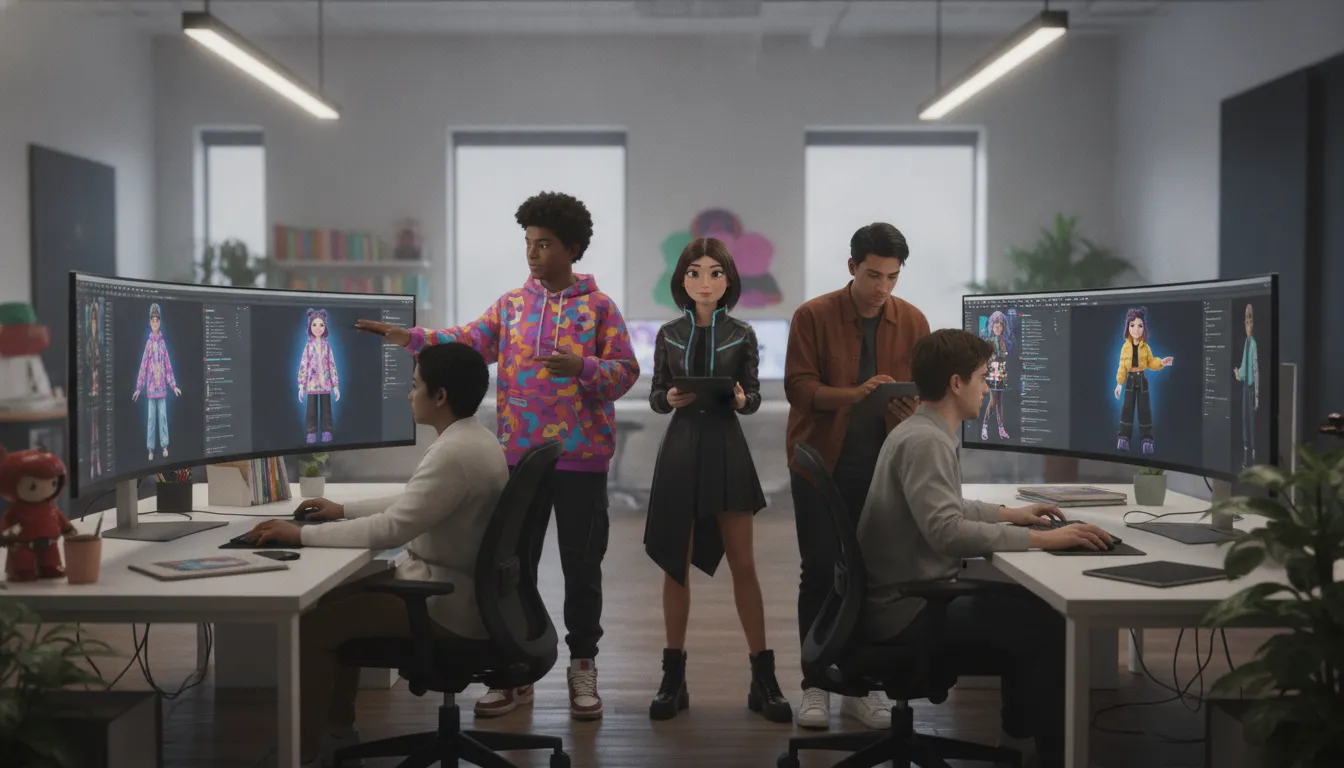
Avatar Creation Tool: What to Look For When Choosing
Choosing an avatar builder is less about finding the most buttons and more about knowing what your avatar needs to do after you make it. A quick editor can be perfect for a profile image, a post, or a one-off character. A broader platform matters when people need outfits, expressions, continuity, and behavior that carries across a social world or game.
The right avatar creation tool matches the job: prioritize fast appearance edits for a simple visual identity, or choose a platform with deep customization. Clothing, interoperability, and AI behavior when the avatar needs to feel persistent and interactive. Research also suggests that more frequent customization can strengthen avatar identification, which is linked with user satisfaction. A recent study supports the idea that the details are not merely decorative.
Compare avatar creation platforms with Genies Chat once you know the difference between a simple editor and a full creation platform. See what customization, clothing, and AI behavior feel like before you settle on a tool.
That distinction gives you a useful starting point. Before comparing features, consider how much control, flexibility, and personality your project actually needs, then weigh the tradeoffs that follow.
What to Look For in an Avatar Creation Tool
A useful avatar creation tool should do more than produce a recognizable face and a few preset outfits. It should give people meaningful control over how they appear, how they are read by others, and how easily they can keep refining that identity over time. The best choice depends on whether you need a static profile image, a personal avatar for social spaces, or a richer character that can move and respond.
Start with the depth of customization. Look beyond a long list of hairstyles and skin tones. Check whether the tool supports details that make an avatar feel specific, including clothing, accessories, body proportions, expressions, and the ability to change those choices without starting over. Research published in PubMed found that more frequent avatar customization predicted stronger avatar identification later. The same study found that avatar identification and perceived online social support were positively associated with subsequent user satisfaction on most measures.
That does not mean every user needs an endless settings menu. It means the tool should leave room for ownership. A person may want an avatar that looks like them, resembles an aspirational version of them, or deliberately says very little about their offline identity. The National Science Foundation research notes that avatars give people control over how they are represented and over the information shared or implied by that representation. Privacy is therefore part of the feature set, not a footnote buried in account settings.
Pay attention to cultural range and self-expression, too. Razorfish reported that 52% of Gen Z gamers feel more like themselves in the metaverse than in real life. Roblox has likewise documented the role of avatars, digital fashion, and beauty in Gen Z self-expression. These findings point to a practical standard: a good tool should support experimentation without making everyone look like a variation of the same default character.
Finally, decide whether appearance is the finish line. A basic editor may be enough for a one-time image. A fuller platform should make the avatar useful in motion, conversation, or multiple digital settings. Before choosing, check for:
Customization depth: Can users make precise changes and revisit them later?
Representation and privacy: Can people choose what their avatar reveals, suggests, or leaves ambiguous?
Personal expression: Are clothing, style, and identity options broad enough to support distinct looks?
Behavior and portability: Can the avatar do more than sit still, and can it move with the user into the places that matter?
The right avatar creation tool is not necessarily the one with the most buttons. It is the one that gives users enough control to feel represented, while leaving room for the avatar to become useful beyond its first appearance.
Simple Avatar Editors vs. Full Creation Platforms
Not every avatar creation tool is trying to do the same job. Canva, AvatarMaker, and Adobe Express are useful when you need a polished profile image, a quick social graphic, or a character concept before your coffee gets cold. They focus on appearance. Pick a face, adjust the hair, change the colors, export the result, and move on.
Full platforms take a wider view. VRChat supports a huge library of user-created avatars, while AvatarSDK and Avaturn focus on converting people or designs into 3D characters. Synthesia is aimed at AI video avatars, and CharacterCreator offers deeper 3D character production. These tools can be excellent, but each is built for a particular destination.
Simple avatar editors compared with full creation platforms | ||
What matters | Simple editor | Full platform |
|---|---|---|
Appearance | Preset faces, colors, hairstyles, and visual styles. | Detailed 2D or 3D customization, often with more control over proportions, materials, and animation-ready parts. |
Clothing | Outfit options are usually fixed to the editor's templates. | Clothing may be designed, fitted, swapped, or used across multiple looks and settings. |
AI behavior | Usually cosmetic. The avatar does not remember, respond, or change its behavior. | Some platforms support conversation, memory, personality, behavioral animation, or AI video output. |
Persistence and interoperability | Typically produces a single image or export for one channel. | May support rigging, real-time movement, game integration, or an identity that carries between environments. |
Best use case | Fast profile art, campaign graphics, mockups, and casual self-expression. | Games, social worlds, interactive products, video, and projects where the character needs to do more than pose. |
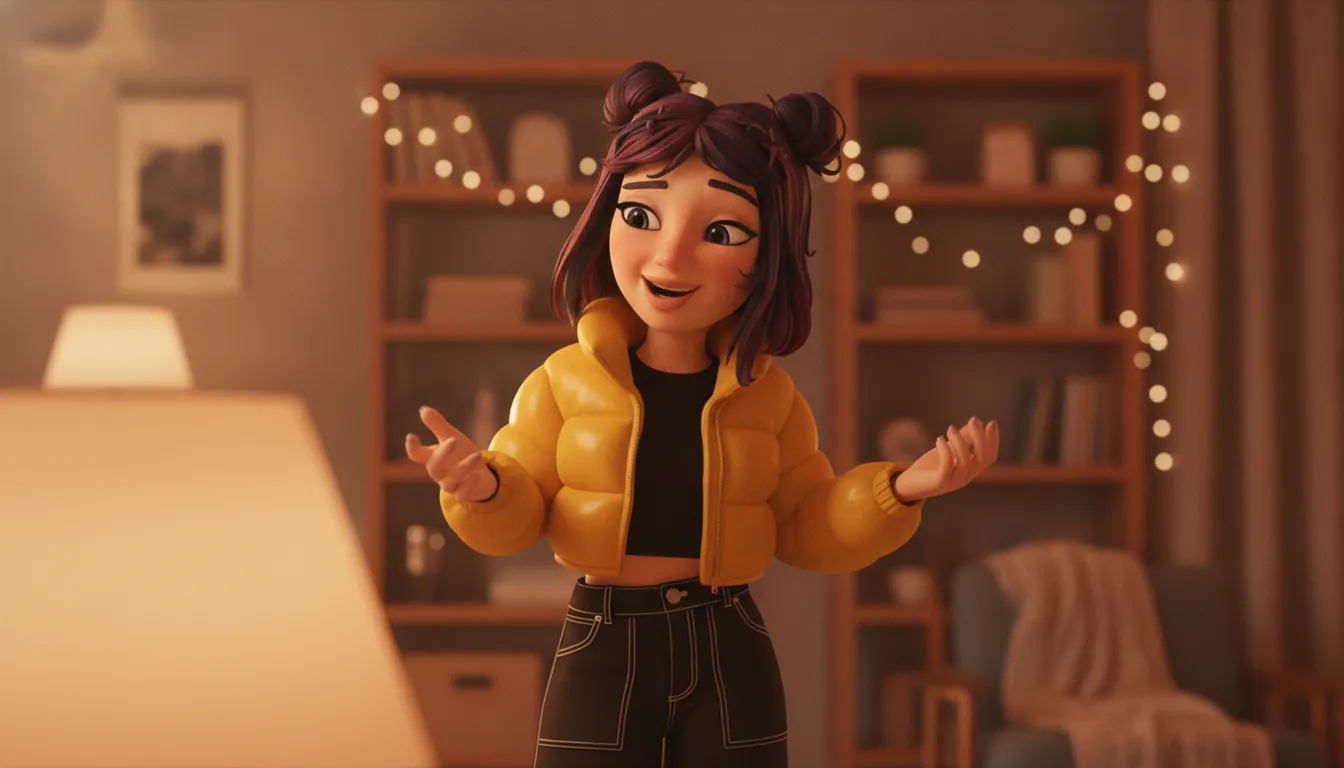
The key distinction is not whether one tool is better. It is whether your avatar needs a life beyond the exported file. A cosmetic editor can make a strong visual identity, but it generally stops at the pixels. A full platform can connect appearance to movement, context, and behavior.
Genies sits in that second category with Smart Avatars. Its avatars use LLM-based personality, memory, and behavioral animation, so the character is designed to respond and develop a recognizable presence rather than simply wear a different jacket. That matters when you want one identity to remain useful across social, gaming, and interactive settings.
There is a tradeoff. Simple editors are faster and easier to learn. Full platforms demand more decisions about format, animation, integration, and ownership. Start with the output you actually need. If the answer is a static image, keep it simple. If the avatar needs to move, remember, react, or travel between places, choose a platform built for that job.
What a Full Avatar Creation Platform Actually Gives You
A full platform treats an avatar as more than a finished portrait. It gives people a system they can keep shaping, and gives developers an asset that can move, perform, and remain recognizable across different environments. That difference becomes obvious in the details: clothing that can be mixed and matched. Behaviors that make a character feel present, and production tools that do not leave every technical step to a separate pipeline.
Customization that goes beyond a face and a body
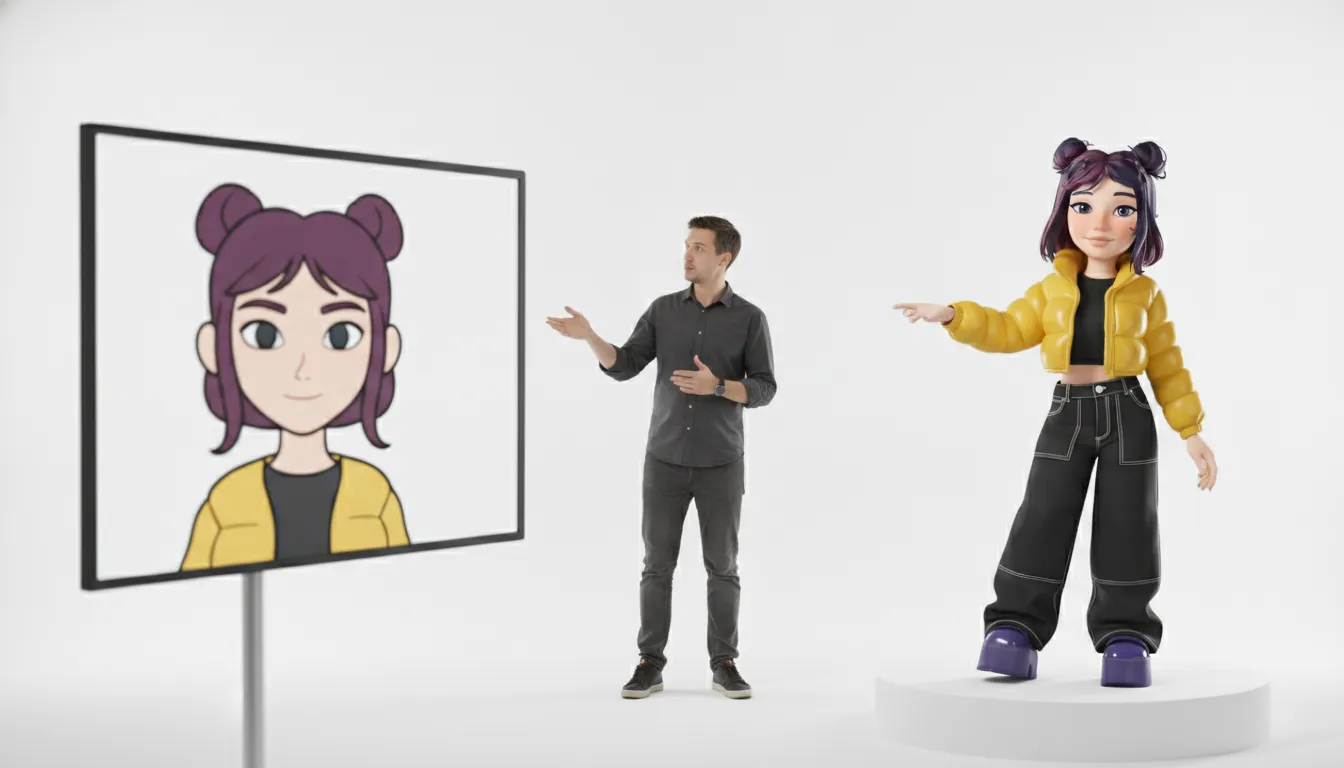
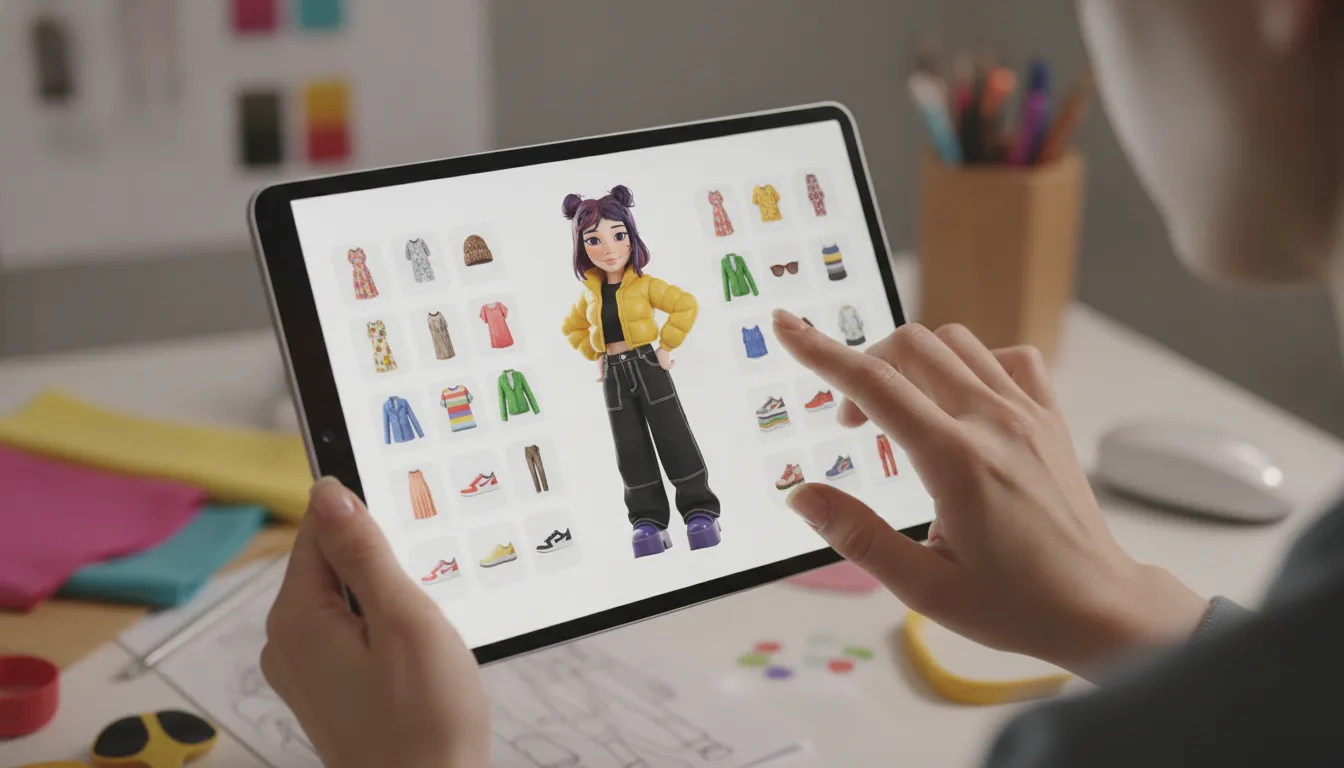
Simple editors usually stop at appearance presets. A full avatar creation platform can support deeper personalization, including clothing, outfits, accessories, body details, and the combinations that make a character feel intentional. That matters because digital identity is often communicated through styling. An outfit can signal a mood, a community, a role, or simply what someone feels like wearing that day.
The strongest systems also make customization practical at scale. Instead of treating every new item as a one-off asset, they give creators a structured wardrobe and developers a consistent way to add content. Users get more room to change. Teams get a foundation for item drops, themed collections, and community moments without rebuilding the avatar from scratch each time.
Production tools that make avatars usable
Customization is only half the job. A platform also needs to turn models into assets that work in real products. AutoRigging is a good example. Genies describes its technology as converting 3D models into game-ready assets, removing a traditionally technical step between a model and an interactive character. That can shorten the distance between an idea, a finished look, and something users can actually control.
Interoperability is the larger test. Genies' principle, "Everything works with everything," points to a platform where avatar components, behaviors, and destinations are designed to connect rather than live in isolated silos. You can read more about the advanced avatar technology behind that approach, or explore Genies' customizable avatar creation tool for the developer side of the system.
For creators: more control over outfits, character details, and how an avatar presents itself.
For developers: reusable, game-ready assets instead of disconnected files and manual fixes.
For platforms: a foundation for identity that can persist across products and communities.
This is also why the category sits at the intersection of AI, gaming, and digital identity. Genies, founded in Los Angeles in 2018-19, built its platform around that convergence rather than treating avatars as decorative profile pictures. The scale of the opportunity is visible in communities such as VRChat, which has tens of millions of avatars. At that size, creation, ownership, compatibility, and identity are product infrastructure, not side features.
How AI Behavior and Personality Change What an Avatar Can Do
A static character can look the part. An intelligent avatar can act like someone. That difference becomes obvious the moment an avatar has to respond, remember, react, or carry its identity from one setting into another.
Genies Smart Avatars are LLM-powered with personality, memory, and behavioral animation. In practice, that means an avatar is not limited to a preset pose or a fixed collection of emotes. It can respond in context, express a consistent temperament, and make interactions feel connected over time. Personality gives the avatar a point of view. Memory gives conversations continuity. Behavioral animation makes the response visible through movement, timing, and expression.
That combination turns an avatar creation tool into something closer to a character system. A user can shape how an avatar looks, but also how it behaves. A game developer can create characters that react to players instead of repeating the same canned line. A brand can build a recognizable digital identity that feels present across social spaces, games, and other interactive settings.
There is a human reason this matters. A recent study found that more frequent avatar customization predicted stronger avatar identification later. While avatar identification and perceived online social support were associated with higher user satisfaction across most measures. The PubMed study suggests that customization is not merely cosmetic. It can help people feel more connected to the identity they are using.
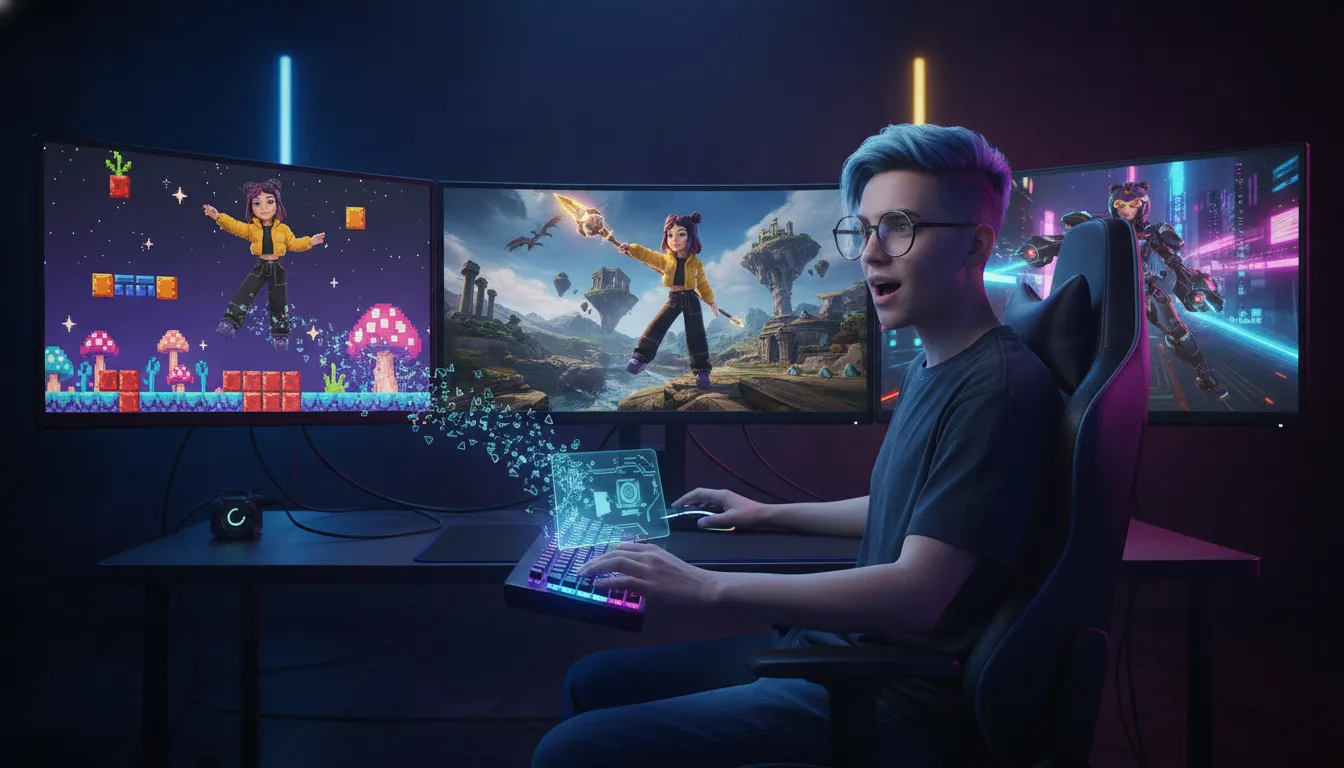
From appearance to presence
AI behavior adds another layer to that connection. When personalization and immersion work together, research has found improvements in virtual body ownership, presence, and emotional response. Research indexed by PubMed connects those effects to how people perceive and inhabit a virtual body, not just how attractive the model looks.
This is where simple editor characters reach their limit. They may offer hair, outfits, colors, and accessories, but they usually stop at the surface. A Smart Avatar can remain recognizable while changing context, reacting to what happens around it, and expressing a personality that feels intentional. The avatar becomes persistent rather than disposable.
Personality: defines tone, preferences, and the way an avatar responds.
Memory: preserves relevant context so interactions do not reset every time.
Behavioral animation: gives speech and decisions a visible physical response.
Game readiness: lets the same identity participate in interactive worlds instead of living only in an editor preview.
For anyone comparing an avatar creation tool, the useful question is not only. "Can I make a character I like?" Ask whether that character can do anything once it leaves the customization screen. If the answer includes memory, expression, interaction, and continuity, you are looking at a platform for a living digital identity, not just a polished character portrait.
How to Choose the Right Avatar Creation Tool for You
The best avatar creation tool is not the one with the longest feature list. It is the one that fits how you plan to show up, what you want to control, and where your avatar needs to go next. A profile image, a playable character, and a conversational avatar may all look related in a search result. They are not the same job.
Use this checklist before you commit. It will save you from building a beautifully dressed avatar that cannot leave one app. Or choosing a simple editor when you really need an identity with room to grow.
Define the job your avatar needs to do
Start with the outcome, not the aesthetic. Do you need a static profile picture for social accounts? A game character with a specific body and outfit? Or an interactive avatar that can chat, remember context, and respond over time? A basic editor may be perfect for a one-off image. A game-ready or interactive project needs a deeper system behind the appearance. Write down the first use case and the next two you might add. Your shortlist should support the direction, not only today's mood.
Check how much customization you actually need
Look beyond a few face presets. Check skin tones, hair, body options, clothing, accessories, poses, expressions, and the ability to change those choices later. If the avatar is meant to feel like yours, small details can matter more than a dramatic visual style. Research on avatar communication found that more frequent customization predicted stronger avatar identification later, while identification was associated with higher satisfaction across most measures. Read the study on customization and avatar identification. Choose enough range to represent yourself, but do not pay for a wardrobe of options you will never use.
Decide whether appearance is enough
Ask whether your avatar only needs to look a certain way or also needs to act. If it will appear in a social space, game, or chat, consider behavior, voice, memory, personality, and persistence. These features change the product category. They also change what you need to evaluate: Can the avatar respond consistently? Can you adjust its behavior? Does it retain an identity across sessions? If the answer is no, a cosmetic editor may still be the right choice. If the avatar needs to participate, test the interaction before judging the outfit.
Map where the avatar can be used
Interoperability is the unglamorous question that prevents expensive surprises. Check supported platforms, file formats, rigging, animation, export rights, and whether you can use the avatar in more than one environment. A character that looks great in a preview but cannot move into your game or community is a very polished dead end. If you are choosing for a larger project, ask what happens when you update the model, add clothing, or need new animations. Confirm those answers in writing, not in a hopeful FAQ skim.
Confirm privacy and control over representation
Your avatar can communicate information about you, intentionally or otherwise. The National Science Foundation notes that avatars give people more control over how they are represented and what information that representation shares or implies. Review the NSF-backed privacy research. Check who owns the avatar, what data is stored, whether your likeness or customizations can be reused. And how easily you can delete an account or change your representation. The right tool should give you creative control without quietly taking away personal control.
Once you have answered these five questions, compare tools against your actual requirements. The most useful choice is usually the one that gives you enough room to evolve without forcing you into features you do not need.
Compare the top avatar creation tools side by side with Genies Chat
Frequently Asked Questions
What app can I use to create my own avatar?
Use a simple avatar editor if you want a fast profile image with basic appearance controls. Choose a broader platform if you need clothing, accessories, repeated customization, or an avatar that can move and respond in a digital environment. The right choice depends less on the app name than on what you need the avatar to do after it is created.
How do I create an avatar for myself?
Start by deciding where the avatar will appear and how much control you want over its look. Pick the body or character style, adjust features, choose clothing and accessories, then test the result in the intended app or world. Also review privacy settings. Avatars can shape how you are represented and what personal information your appearance may imply, so control matters as much as customization.
What should I look for in an avatar creation tool?
Look for intuitive editing, enough customization to make the avatar feel specific, clothing and accessory options, export or interoperability support, and clear privacy controls. If the avatar will be part of an ongoing experience, check for animation, behavioral settings, and updates rather than treating the tool as a one-time image generator. Research has linked avatar customization with later avatar identification and user satisfaction, so flexibility has practical value. The study is available on PubMed.
What is the most realistic AI avatar generator?
There is no single most realistic option for every use case. Realism can mean a lifelike appearance, natural movement, responsive behavior, or a character that stays consistent across settings. Compare demos in the environment where the avatar will live, and check whether the platform supports the clothing, personality, animation, and technical formats you actually need. A polished preview is not the same thing as a useful avatar.
Start Building With a Tool That Grows With Your Avatar
The field of avatar creation tool choices comes down to one question: does your character stay static, or does it keep evolving? If you want clothing, customization, AI-driven behavior, and an identity that moves between spaces, a full platform is the practical answer.
Genies Chat is a great place to see a real avatar creation tool in action. You can explore expressive, customizable avatars with personality and behavior built in, and decide whether a full platform fits what you are trying to make.
Try an interactive avatar creation platform today at Genies Chat and start with a character that can respond, remember, and carry its identity with it.