Unity Avatar Customization: A Developer's Guide to the Genies SDK
Building custom character creators from scratch drains game development time and budget. Instead of writing gameplay code, team members spend weeks aligning joints and adjusting mesh skins. This work does not make a game fun, but players expect it anyway.
Get started with the Genies Avatar SDK today
Unity avatar customization allows players to design and style their own 3D characters, which keeps players active and engaged. To build this system fast, teams can use the Genies Avatar SDK, a complete toolset that brings detailed, game-ready characters straight into Unity. According to the Genies technology page, this system provides a pre-built avatar generator, a modular clothing system, a live editor, and cross-game asset use. Developers can add custom 3D models and items without writing complex mesh-skinning or auto-rigging code.
Why should developers choose a pre-built tool instead of building their own custom character creator? This guide details the workflow bottlenecks, rigging problems, and asset pipeline trade-offs of both choices.
Unity Avatar Customization: Why Unity Developers Need a Purpose-Built Avatar SDK
The Genies Avatar SDK lets Unity developers skip months of rigging and mesh-skinning work by delivering a ready-to-use modular character system. It handles avatar generation, clothing, auto-rigging, and cross-game asset portability inside a single package designed for Unity environments.
The cost of building from scratch
Building a game-ready character setup in Unity from scratch is a massive task. Developers must handle complex tasks like rigging, weight painting, and making modular assets. If you want to support a wide range of player looks, the technical work grows fast. Doing this on your own eats up weeks of development time.
A custom avatar system also strains game performance. Standard Unity projects often struggle with draw calls when many unique characters share the screen. Without a smart system to combine materials and meshes, your game's frame rate will drop. Building a custom tool to optimize these assets on the fly takes deep graphics knowledge.
Most teams want to offer deep Unity avatar customization to keep players happy. But when you write custom code for clothing layers, you run into mesh clipping. One shirt might bleed through a pair of pants during an animation. Fixing these visual bugs needs constant support from technical artists.
Where standard store packs fail
To save time, some teams turn to the Unity Asset Store. These packs work for quick prototypes, but they fall short for live-service games. They are mostly static meshes. If you try to swap a shoe or a jacket, the character rig breaks.
You also face scaling issues when you try to use different packs together. A hat from one maker will not fit a head from another. You must adjust each item by hand. This tedious loop slows down your real gameplay work because you are stuck fixing art assets.
A unified system for character setups
Using a purpose-built SDK solves these pain points right away. The Genies Avatar SDK enables high-fidelity, customizable, game-ready characters specifically optimized for Unity environments. It handles the hard tasks behind the scenes so your team can focus on fun gameplay. You get a solid codebase that is built to scale from day one.
A key benefit of this setup is how it manages the 3D rigs. Academic studies prove that using skeletal joints as a foundation in modular character rigs can speed up the development process for customization systems. Instead of making a new skeleton for each clothing item, the joints guide the mesh on their own.
With a unified system, adding new wearables becomes simple. To learn the steps to build your first model, read our guide to create a custom avatar in Unity. This flow helps you launch an interactive character editor without the usual headaches.
What Are the Core Components of the Genies Avatar SDK?
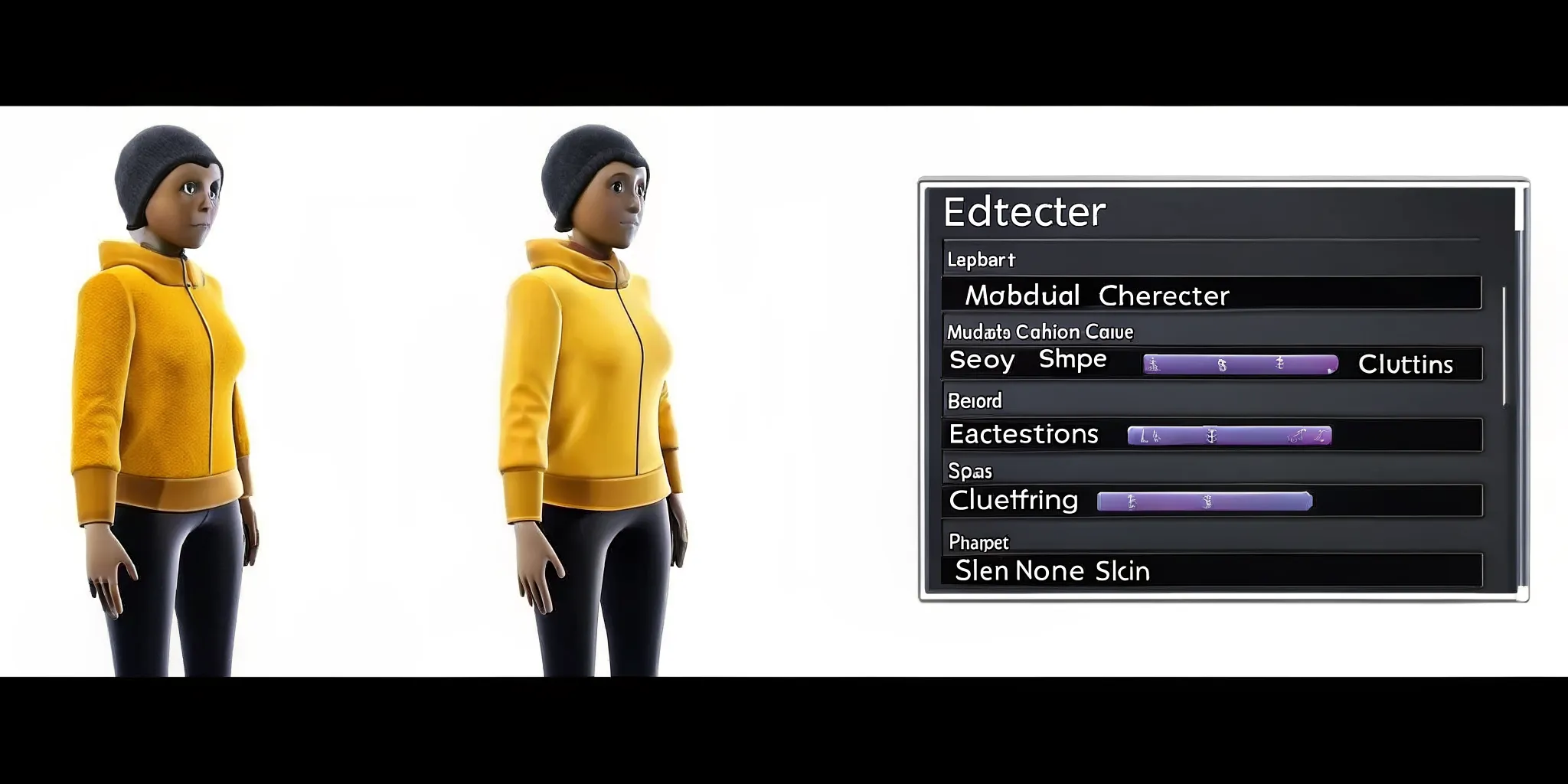
The Genies Avatar SDK provides an avatar generation API, a modular in-game editor. A slot-based clothing system with automatic rigging, and the Art Forge SDK for creating custom wearables. The Smart Avatar SDK adds an AI behavior layer for personality, memory, and real-time expression on top of the visual foundation.
Building a custom avatar system in-house takes years of hard work and millions of dollars. Asset store options often lack depth, forcing developers to build their own tools. To solve this, Genies spent five years of research and work to build its visual and embodiment layer. Backed by $200M raised from Silver Lake, BOND, and Bob Iger, Genies invested $100M to build this platform.
The result of this massive research is the Genies Avatar SDK. This tool lets you integrate high-fidelity, customizable, game-ready characters in Unity. Thousands of developers now use this kit to save time and launch their games faster.
The avatar generation API and modular editor
The Genies SDK splits this complex work into clear paths. First, the avatar generation API lets users build a base character in seconds. Next, the modular in-game editor lets players change body shapes and skin tones.
You do not have to write an editor from scratch. The SDK has a built-in system that you can plug right into your game loop. This saves weeks of front-end UI design and lets you launch much faster.
A robust clothing system and Art Forge SDK
Most 3D character kits struggle with clothing, especially when layer styles overlap. Mesh clipping and poor layer depth ruin the look. The Genies clothing system uses smart layering to solve this. Clothes fit the character mesh dynamically without any manual visual adjustment.
To expand your asset pool, use the Art Forge SDK. This tool lets artists build and import 3D wearables and props. Users can swap items and mix outfits without breaking the underlying 3D models. This creates a rich shop system for your game with very little setup.
The autorigging pipeline
Rigging a custom character is hard and requires deep technical knowledge. Adjusting weights and skeleton joints by hand takes hours of technical art labor. The Genies AutoRigging pipeline automates this work to save you time.
It fits new clothes and assets to the base skeleton fast without manual work. Research shows that using skeletal joints as a foundation for modular rigs speeds up development. This automation removes the main bottleneck in character design and asset pipeline management.
Capability | DIY / Asset Store | Genies Avatar SDK |
|---|---|---|
Avatar Generation | Build from scratch or buy static base models | API-driven, generates custom 3D characters instantly |
In-Game Editor | Months of custom UI and backend code | Modular editor ready out of the box or fully customizable via API |
Clothing System | Manual SkinnedMeshRenderer setup per item, clipping-prone | Slot-based layered meshes with automatic fitting and rigging |
Cross-Game Interoperability | None; assets locked to a single project | Built-in shared asset layer spanning Unity projects |
AI Behavior Layer | Custom state machine or third-party asset | Smart Avatar SDK with personality, memory, and real-time expression |
Building a setup like this from scratch needs a big team of tools programmers and artists. Asset Store options often force you into one style or a locked ecosystem. With the Genies SDK, you get a system that has been refined through years of testing.
It balances deep customization options with fast rendering performance in your game. This means your team can focus on gameplay instead of fixing broken meshes and rigs.
A standalone developer toolset
Keep in mind that these SDKs are standalone developer tools built just for game creation. They are not features of or extensions to Genies Chat, which is a consumer social product. Instead, these tools give Unity creators full control over their own projects. You can build custom avatars and items that fit your own brand and game mechanics.
How Do You Set Up the Genies Avatar SDK in a Unity Project?
Setting up the Genies Avatar SDK takes four steps: import the package from the developer portal via Unity's Package Manager. Link your developer key in the Genies settings window, add the Genies manager to your startup scene, and test with a sample prefab. Initialization requires a single C# call to GeniesAvatarManager.Initialize().
Preparing your development environment
To build a game with rich model options, you must start with a solid setup. Setting up the Genies Avatar SDK is the first step to integrate high-fidelity customizable avatars in your game. The SDK helps you build a full system for custom 3D models and enables easy Unity avatar customization without writing everything from scratch.
Before you begin, make sure your system has the correct version of Unity. You will need a modern release of the editor to avoid load errors. The SDK is designed to run smoothly on both long-term support versions and newer releases.
Core installation and configuration steps
You can set up the SDK in just a few minutes. Follow these four steps to set up the SDK in your current project:
Get the SDK package from the Genies developer portal and import it into Unity using the Package Manager.
Open the Genies settings window in the Unity editor and enter your developer key to link your project.
Add the main Genies manager part to a new game object in your startup scene to handle asset loading.
Drag a sample model prefab from the SDK folder into your scene to test that the setup works.
Setting your options is key to linking your project to the platform database. The editor will fetch the asset files from the cloud to ensure they stay up to date. This cloud connection saves disk space because assets load only when needed.
After you drag the prefab into your scene, press play in the editor. You should see the sample model load with its base mesh and textures intact. If the model does not appear, check the console for any network or asset loading errors.
Initializing the avatar system via script
After you set up your scene, you need a script to handle the start of the SDK. The C# script below shows you how to initialize the core manager when your game launches.
This simple setup gets your project ready for deeper work. Once the manager is ready, you can start building the features that your players will use. Testing your setup early helps you find and fix any errors before you write more code.
Once the SDK is ready, you can start building the visual and behavior systems. The SDK gives you the tools to handle clothes, gear, and animation in one place.
Building a Modular In-Game Character Editor
The Genies Avatar SDK provides a pre-built editor UI or a fully customizable API for teams that want a unique look. The modular editor uses skeletal joints as the rigging foundation, slot-based clothing with SkinnedMeshRenderer components, and a real-time customization loop that updates the avatar on every slider move.
Setting up a robust character editor is the core of any good Unity avatar customization system. The Genies Avatar SDK supports avatar generation, a modular in-game editor, and a flexible clothing system. These tools give you everything needed to build a responsive character creator without starting from scratch.
Built-in editor vs custom UI
The SDK gives you a pre-built editor UI that works right out of the box. This built-in option is perfect for teams that want to test features or launch a project quickly. It handles menu navigation, item selection, and color picking with little setup.
But many teams need a unique look that fits their specific game HUD. For these cases, you can build a custom UI and use the SDK's underlying API. The API lets you bind your own buttons and sliders to character properties. This means you can create a unique user flow while still using the SDK's stable backend.
Skeletal joints and modular rigs
To make a character creator feel fluid, the body needs to scale in real time. Using skeletal joints as a foundation in modular character rigs can expedite the development process for customization systems. This approach is modular, adaptable, and efficient, as shown in research from Drexel University.
Instead of building separate models for every body shape, developers use joint transforms to adjust sizes. You can scale bone lengths and widths with simple float values. The SDK manages these transforms under the hood. This keeps the animations clean and prevents clipping when body parts change shape.
Clothing slots and skinned meshes
A modular editor needs a reliable way to dress characters. The SDK achieves this by splitting garments into distinct slots like tops, bottoms, and shoes. Each clothing item uses a standard SkinnedMeshRenderer component that aligns with the skeleton.
When a user selects a shirt, the system instantiates the mesh and binds it to the avatar's bones. The clothing mesh then deforms in sync with the skeletal joints as the character moves. This method means you do not have to write custom skinning code for every new asset.
Real-time customization loops
The final piece of the editor is the customization loop. This loop listens for user input and updates the avatar instantly. For example, when a user moves a slider to change body weight, the editor triggers an event.
This event updates the bone scale values and redraws the skinned meshes in the active scene. Because Unity renders these changes in real time, players get instant feedback. This immediate response is key to creating a satisfying editor that keeps players engaged.
How Does Cross-Game Avatar Interoperability Work?
The Genies Avatar SDK enables cross-game item interoperability through a shared skeletal rigging standard. Avatars and clothing created for one Unity project can move to another project using the same SDK, preserving their appearance. Players keep their digital wardrobe across games, which increases engagement and item value.
The problem with isolated game assets
When you build a game, Unity avatar customization often stops at your game's borders. Players spend hours making their characters look unique. They buy or win cool items, but they lose those items when they switch to a new game. This old setup keeps assets locked in silos and reduces how much people value their digital gear.
To solve this, studios need a simple way to let virtual assets travel between projects. When players know their clothing and gear can move to other games, they care more about getting them. This shift turns simple game items into a lasting digital wardrobe.
How the interoperability layer works
The Genies Avatar SDK includes tools that let avatars and items move across other Unity projects. You do not have to build separate asset storage for every new title. Instead, you can connect your game to a shared network. The SDK handles avatar generation, a modular editor, and a clothing system to help you set up cross-game item interoperability.
For items to fit different characters across multiple games, they must share a common structure. This common base keeps clothing from clipping or breaking. Research shows that using skeletal joints as a starting point in a modular rig makes building customization systems much faster. By using this standard rig, clothing and items can scale to fit other body shapes in any linked game.
Boosting player retention and engagement
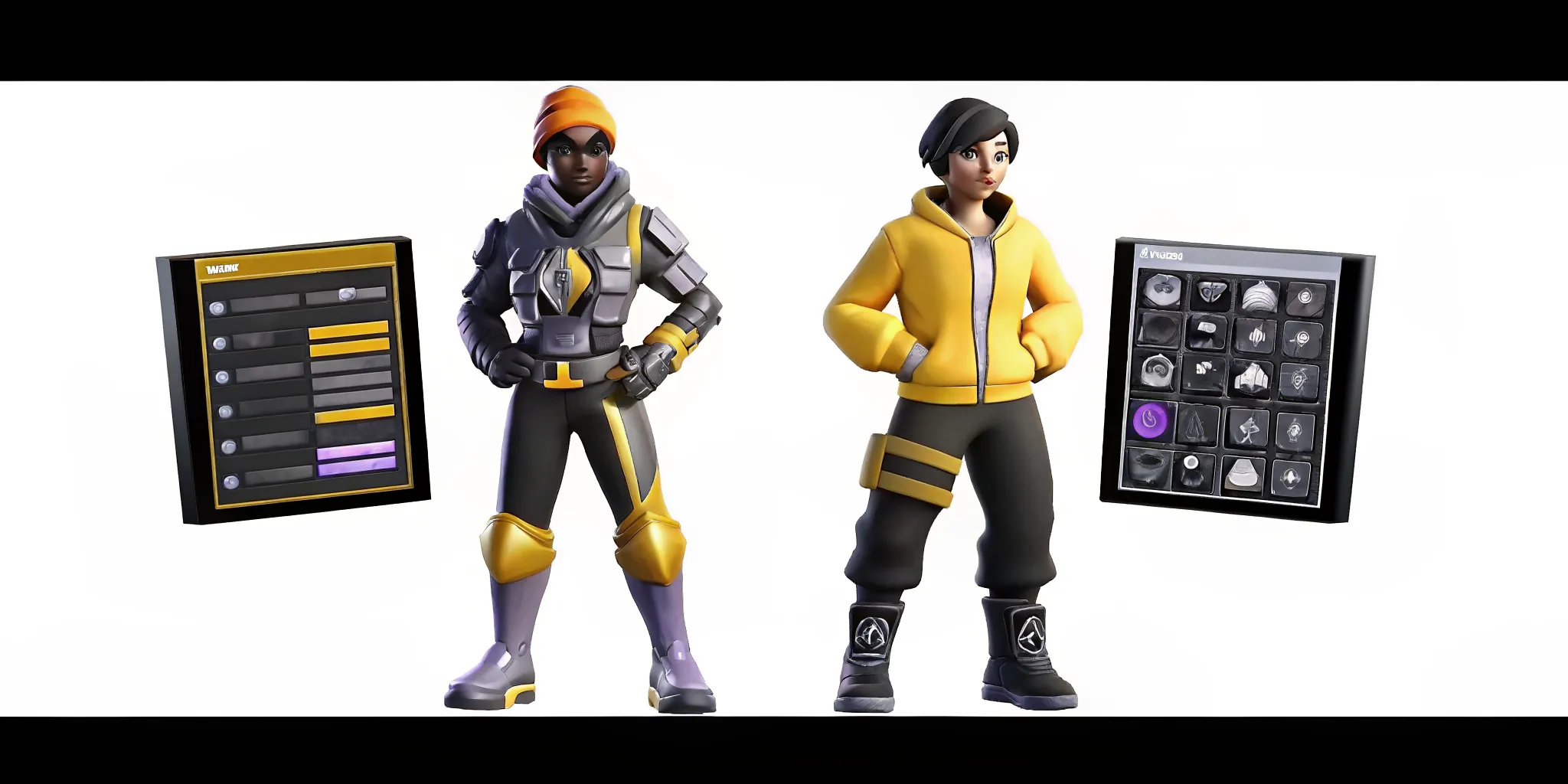
Cross-game items change how players interact with your games. If a player earns a rare jacket in a fantasy game, they can wear it in a sports game. This link keeps players active across your whole suite of apps. They do not have to start over from scratch each time they load a new game.
This shared approach helps indie teams and large studios alike. It builds a shared game economy where assets hold their value across other virtual worlds. By linking your games with Genies character technology, you give players a shared identity. This identity stays with them wherever they play.
Optimizing Game-Ready Avatars for Performance
High-performance avatars require texture atlasing, mesh combining, and level-of-detail switching. The Genies Avatar SDK automates these tasks by baking clothing into the main mesh, generating LOD groups, and compressing textures on the fly. Developers can tune these settings per platform for mobile, PC, or VR targets.
High performance is vital when you build games with custom avatars. If you have dozens of characters on screen, bad optimization will tank your frame rate. High polycounts and too many draw calls slow down your render loop. For smooth gameplay, your system must handle these assets with care.
Reducing meshes and textures
Developers must keep frame rates steady in real-time games. They do this by focusing on polycount reduction and texture combining when preparing characters. Each avatar in your game needs meshes and materials to render. If each shirt, shoe, and hair style has its own material, draw calls will soar. To stop this, you must merge textures into a single sheet called a texture atlas.
This optimization is a core part of the Genies SDK. The SDK combines character meshes and textures on the fly. When a user equips new gear, the system bakes the new clothing items into the main mesh. This reduces draw calls without losing visual detail. You do not have to write custom scripts to merge assets.
Smart LOD and automated tools
Level of Detail (LOD) is another key tool for game performance. An avatar close to the camera needs high detail. But an avatar far away can use a much simpler model. The Genies SDK does this through its own smart LOD system. It makes low-poly versions of your meshes. When characters move far from the camera, Unity swaps in these lighter assets. This keeps your game fast even when hundreds of players fill the space.
The SDK also has tools to compress texture sizes. It sets up the LOD groups for you inside your prefab. You can find setup guides and tips in the Genies developer portal to get started.
Manual tuning for target devices
While the SDK has great defaults, you may want to tune assets for specific platforms. Mobile games, VR headsets, and PC games have very different performance budgets. For example, a mobile device cannot handle the same mesh load as a PC. You can adjust the SDK settings to fit these targets.
For high-end PC games, you can turn on full resolution textures. The system lets you change limits based on user graphics options. By adjusting these settings, you ensure avatars look great on any screen.
Here are three basic rules to follow when tuning your avatars:
Keep your mobile texture sizes at or below 1024 by 1024 pixels.
Use the smart LOD system to drop polygon counts by half for distant views.
Combine meshes whenever users lock in their character styles.
Extending Characters with AI Behaviors via the Smart Avatar SDK
The Smart Avatar SDK layers AI-driven personality, memory, and real-time expression onto the visual characters built with the core Avatar SDK. Developers can define NPC traits in the Genies developer portal. And the SDK translates those traits into facial expressions, gestures, and dialogue patterns that match the character's emotional state.
Setting up a solid base for Unity avatar customization is only the first step. To keep your workflow clean, Genies splits visual tools from AI behavior layers. This split allows for a faster build pipeline. While the core Avatar SDK helps you integrate high-fidelity customizable avatars, the Smart Avatar SDK is where your avatars get their minds.
This split means you do not have to worry about complex scripts clashing with your 3D assets. You can design your avatars first, and then layer on their minds later.
The separation of visual and behavioral layers
By splitting these systems, you can divide your work cleanly. Your technical artists can focus on rigs while your programmers build the AI. Using skeletal joints as a base in modular character rigs can speed up how you build customization systems. Research from Drexel University shows how modular rigs help teams build and scale assets much faster.
Personality, memory, and real-time expression
Once you set up your base rigs, the Smart Avatar SDK lets you add deep traits. The Smart Avatar SDK allows developers to integrate advanced AI-driven behaviors, including personality, memory, and real-time expression. Instead of static models, your avatars can now react to players in real time. They can recall past choices and adjust their tone of voice on the fly.
For example, when an avatar feels happy, the SDK adjusts their face mesh to show a smile. This is not just a pre-made motion, but a real-time reaction driven by their personality. It bridges the gap between Unity avatar customization and true AI behavior.
This behavior layer works alongside your current Unity avatar customization setup. You can define specific traits in the Genies developer portal to shape how an agent acts. The SDK handles the heavy work, linking smart choices back to the visual rig.
Interactive NPCs and smart guides
These tools are useful when building active NPCs and other digital avatars. In classic games, NPCs rely on simple branching trees. With this SDK, you can build NPCs that feel alive. They can have unique backstories, hold real chats, and adjust their moods over time.
For consumer apps, these tools help you build unique brand guides. Whether you need a digital guide or an in-game helper, these avatars can keep players engaged. By mixing modular looks with smart behavior, you create a complete digital persona.
Frequently Asked Questions
Why use a specialized SDK for Unity avatar customization?
Out-of-the-box assets lack flexibility, and building a custom rig from scratch takes months. A dedicated toolset like the Genies Avatar SDK provides an integrated, modular character creator and an in-game clothing editor right away. It saves development time by handling the complex backend architecture so you can focus on making a unique game.
How do you optimize custom 3D avatars for game performance in Unity?
To keep performance high, you must reduce polycounts and combine textures to limit draw calls. While doing this by hand is slow, developers can streamline the process. According to research from Penn State, automated tools can merge textures and reduce mesh density to maintain frame rates. The Genies SDK handles these optimizations behind the scenes so your game stays fast.
How do you implement a modular character customization system in Unity?
Building a modular system requires a unified rigging foundation. Drexel University research shows that using skeletal joints as a starting point for modular rigs speeds up development. Since this structure is built into the Genies Avatar SDK, you can easily add customizable clothing to characters without manual rigging.
Can you change avatar assets at runtime in Unity?
Yes, modular SDKs let you swap clothing, hair, and accessories while the game is running. The Genies Avatar SDK supports full runtime customization through its modular editor and clothing system. This allows players to modify their look on the fly. They can also collect interoperable items that work across different games, keeping the experience fresh.
Ready to build custom avatars for your Unity game?
Building a custom avatar creator from scratch will drain your team of precious time and delay your game launch by several more months. If you do not act today, you risk falling behind other creators who already offer rich and interactive character customization tools in their games.
Ready to build? Book a session today to get started building with the Genies Avatar SDK and create your custom characters for your players. The SDK makes it simple to integrate clothing and modular features so you can ship your game on time and stay within your budget.