Custom Avatar Framework: 5 Mistakes Indie Studios Must Avoid
A custom avatar system looks easy on paper but usually breaks the moment you add a new hat. Most developers do not see the technical debt hidden in modular bone systems. According to Dev.to, separating heads, bodies, and apparel causes armatures to clash during movement. Fixing these issues after launch costs more than getting the foundation right the first time.
A custom avatar framework is a modular character system that lets developers create and deploy 3D personas across games without manual rigging for every asset. It handles skeleton maps, mesh scaling, and asset loading so artists can focus on style instead of bone math.
Get your avatar pipeline right from day one. Download the Genies Avatar SDK and skip the skeleton collisions, manual rigging, and vendor lock-in that stall indie studios.
This article covers the five biggest mistakes indie studios make when building a custom avatar framework. You will learn how skeleton collisions break modular characters, why manual rigging kills your budget, how poor mesh scaling ruins cross-platform performance. What happens when asset management goes wrong, and why betting on a single vendor is a time bomb. Each section includes a fix you can apply today.
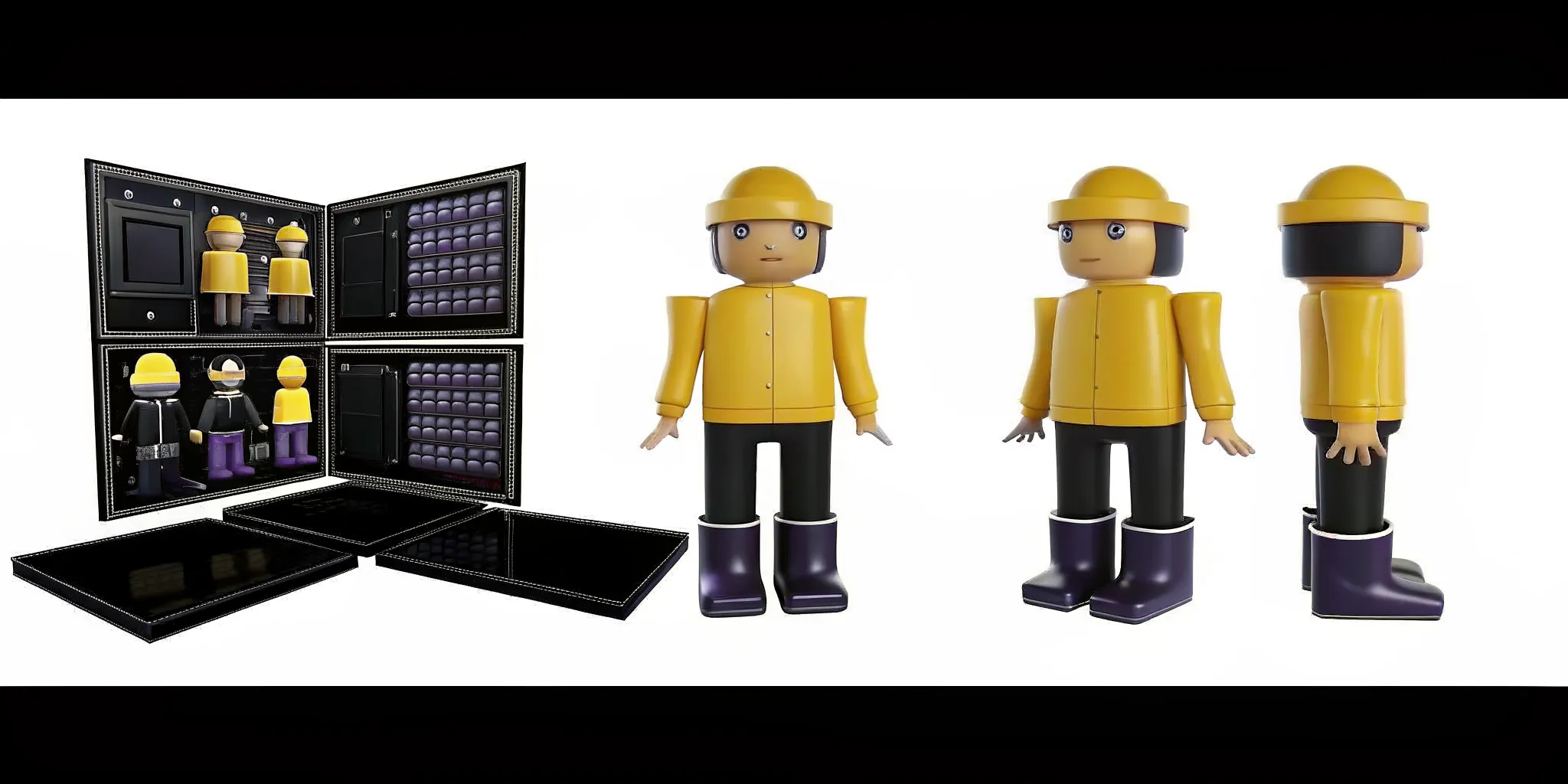
What Is a Custom Avatar Framework? (And Why Build One?)
A custom avatar framework is a modular system that handles the full lifecycle of in-game characters. It defines how body parts connect to a shared skeleton, how assets load in memory, and how characters render across different hardware. Unlike off-the-shelf solutions that lock you into a single vendor, a custom framework gives you full control over your character pipeline.
Building your own system lets you match your game's art style exactly, optimize for your target platforms, and avoid recurring licensing fees. But the tradeoff is complexity. Without the right architecture, your framework can become a maintenance nightmare that drags down your entire development cycle. The key is knowing which pitfalls to avoid before you write a single line of skeleton code.
Why Do Skeleton Collisions Break Modular Characters?
Building a custom avatar framework usually starts with modular assets. You want players to swap heads, legs, and shirts for a fresh look. This setup is great for creative play but tough for your dev team. If you do not have a set bone map, each new asset brings its own armature. These separate bone systems fight each other during motion. That conflict is a skeleton collision.
When bones collide, the visual feel of your game drops fast. A sleeve clips through a chest. A hat floats away from a head. The engine tries to track two different armatures for one character, creating a heavy CPU load. Without a strict rule for bones, your asset library becomes a mess of mesh errors.
Lessons from the Ready Player Me shutdown
This issue is not a small bug. It can stop a project in its tracks. Netflix acquired Ready Player Me in December 2025, and the service shut down on January 31, 2026. Affected teams had to replace their avatar renderer in just three to four weeks. The core problem was how modular assets handled bone data across their entire system.
The RPM dev team had to manage 37 different assets, including 18 for female models and 19 for male models. Every piece of clothing had its own rig. This made movement math messy fast. When you rely on a system with so many moving parts, one change to the base rig breaks everything. You end up with a framework that is too heavy to load and too hard to grow.
The universal skeleton solution
The best way to skip this headache is a shared bone map. Tools like the Genies Avatar SDK fix this by using a universal skeleton. Every asset is built to fit one master rig from the start, preventing collisions before they start. Since every piece of gear knows where it belongs on the skeleton, your team can ship new content without fixing bone bugs.
Mistake #1: Manual Rigging That Does Not Scale
Handcrafting every bone and weight map for your roster seems like a path to quality. For most studios, it is a fast track to a drained budget. When your project grows from a few NPCs to a full custom avatar framework, manual work becomes a wall.
The cost of doing it by hand
Think about the scope of a sports game. If you have 15 teams with 15 players each, you need 225 unique characters. With an infinite budget, handcrafting 225 characters might work. For indie teams, the cost per asset makes this plan fail. Hand rigging one model takes hours or days. By the time you finish a dozen assets, your launch date has slipped by months.
Switch to automated rigging
To scale, you need tools that do the hard work for you. The Genies Avatar SDK uses AutoRigging to solve this. Instead of spending days on one model, this tech turns 3D files into game-ready assets in seconds. It maps the skeleton and weights with high precision every time. This speed lets your team focus on the look of the world rather than the math of the joints.
Mistake #2: Mesh Scaling and Cross-Platform Problems
Building a custom avatar framework often starts with a model that looks great on a PC. Problems start when you move that model to a phone or headset. Without smart mesh scaling, your characters crash apps or look like blobs.
The mobile performance wall
Many teams fail to plan for poly count limits on mobile chips. A character with 50,000 polys might run fine on a PC but kills speed on a phone. You need tools to create simpler mesh versions for faraway views. New tech like 3D Gaussian Splatting now helps by giving efficient rendering for high-quality 4D avatars.
Texture and asset optimization
Big textures are the fastest way to run out of memory on mobile. Your framework must support texture scaling and compression for each platform. The Genies Avatar SDK delivers game-ready assets that work on all hardware, letting you skip the work of resizing every item for five different platforms.
Stop fighting cross-platform mesh issues. Try the Genies Avatar SDK with built-in optimization for every device your players use.
Mistake #3: Poor Asset Management and Loading Strategy
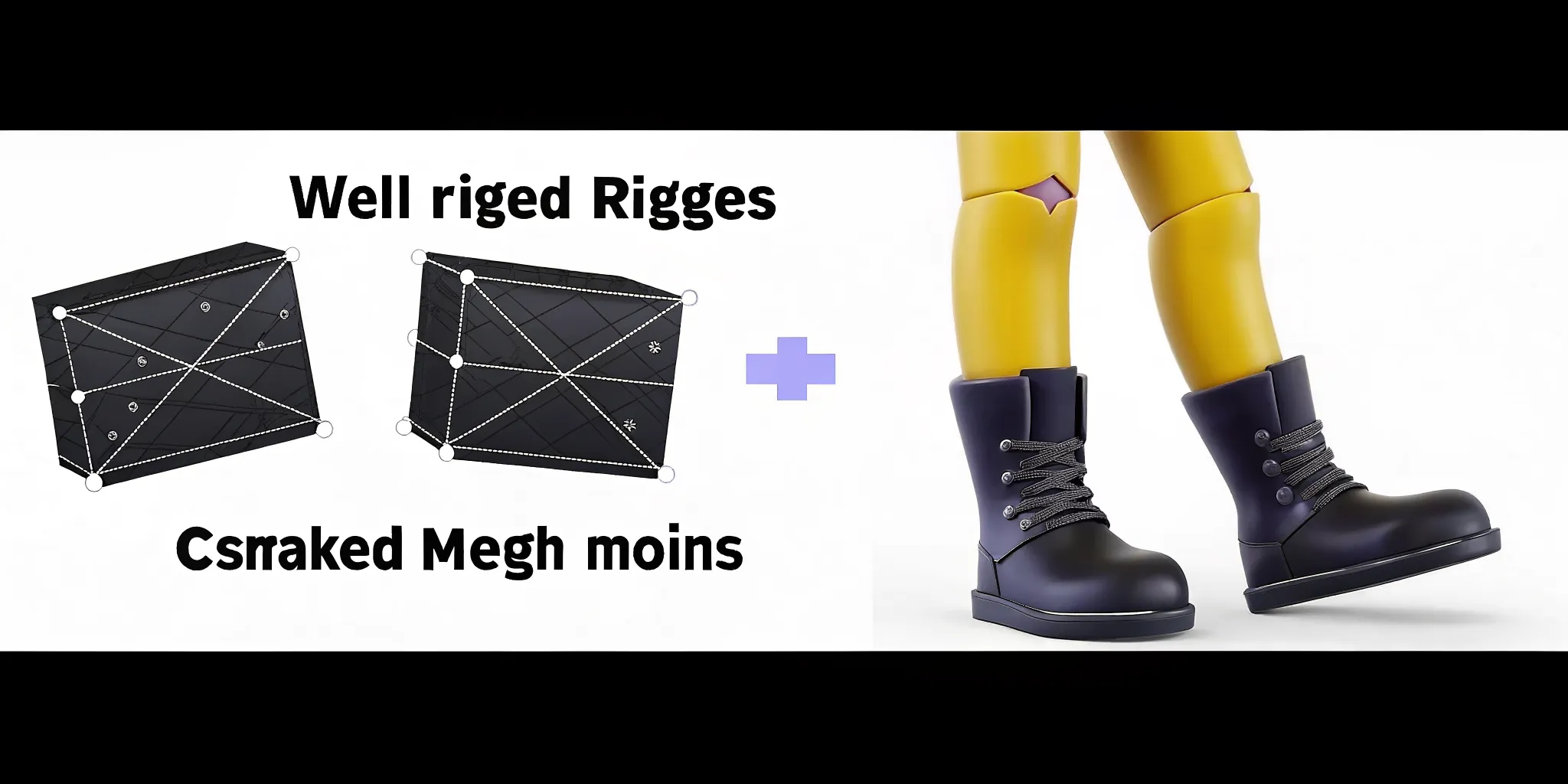
Managing a custom avatar framework involves more than swapping clothes. A good system handles dozens of modular parts including body parts like skin or shoes and face parts like eyes, nose, and lips. Without a clear plan, your game struggles with long load times and broken models.
Organize parts by group
A modular system often uses 37 or more unique parts to build one character. These parts fit into three main groups: body, head, and global.
Body group: Tops, pants, and full outfits
Head group: Hair, beard, and face shapes
Global group: Poses and movement that apply to the whole model
Following the Genies avatar framework approach ensures common parts stay in memory while new ones load when needed. Good file setup prevents bone errors during skeleton rebinding, a common tech hurdle when parts share the same bone structure.
Fast loading and runtime baking
Players want to see their character right away. Load a low-detail preview first while high-detail assets load in the background. For small details like eyebrows or beards, runtime baking is better than loading full 3D meshes. This process flattens small parts onto the base skin at runtime, helping the game run well on mobile phones.
Map your asset tree: Define how body parts, head features, and moves relate to the base bones
Set loading steps: Load the base body and face first, then add clothes and gear
Link the skeleton: Ensure new modular parts attach to the main bone structure
Bake at runtime: Merge eyebrows and facial hair into the skin to save memory
Add morph targets: Set up eye blinks and mouth moves to increase realism
Building a custom avatar framework from scratch is a full-time job. Let the Genies Avatar SDK handle asset loading for you.
Mistake #4: Betting on a Single Third-Party Provider
Relying on one outside firm for your custom avatar framework is a huge risk. This lesson became clear on January 31, 2026, when Ready Player Me shut down its service after being acquired by Netflix. Many game teams had only three to four weeks to find a new character system. If you do not have a backup plan, a single business change can end your project.
The cost of vendor lock-in
Vendor lock-in happens when you use a service you cannot easily swap out. If the vendor changes pricing or goes away, you are stuck. For small studios, building a custom framework from the ground up is hard. But using a closed system with no way out is even more risky. You need a middle ground: an SDK that gives you full control of your assets without making you dependent on one server.
Protecting the user experience
When you rush to rebuild an avatar system, quality drops. Small errors in how characters move break the game. Keeping the right body pose is a top metric for user immersion in mixed reality. If your new system lacks this polish, users notice right away.
Safety meets control
The best path is working with a partner that has deep roots in the field. Genies spent five years and over $100M on R&D to build a visual layer for AI. With $200M in funding from Silver Lake, BOND, and Bob Iger, the team has the backing to support game teams for the long haul. Major partnerships with the NBPA, MLB, WEBTOON, Sanrio, King Records, and Kodansha show that the biggest brands trust them to keep IP safe.
Custom Framework vs. Genies Avatar SDK: Which Is Right for You?
Feature | Custom Framework | Genies Avatar SDK |
|---|---|---|
Skeleton System | Manual bone management | Universal skeleton |
Character Rigging | Hours of manual work per model | Seconds with AutoRigging |
Asset Loading | Build your own system from scratch | Modular wearables system ready to go |
Cross-Platform Performance | Manual LOD and platform fixes | Built-in optimization across devices |
Vendor Risk | Full control, full responsibility | Enterprise backing, long-term support |
Frequently Asked Questions
Why should indie studios build a custom avatar framework instead of buying one?
Building your own system gives you full control over how your game works. You can match your art style exactly and avoid recurring licensing fees. It also protects you from vendor shutdowns. As the Ready Player Me shutdown showed, relying on a single provider is risky since services can disappear with little notice. A custom framework means you own your tech and your assets for good.
How do you handle modular assets in a custom avatar system?
Modular systems split characters into parts like heads, bodies, and clothes. To keep performance high, use a smart loading plan that loads only the parts the player needs right now. A shared skeleton ensures all parts move correctly, preventing gaps and keeping movement smooth. This method allows many visual combinations while using less memory.
What are the risks of using third-party avatar providers?
The biggest risk is losing your character system if the provider goes offline. When Ready Player Me shut down on January 31, 2026, affected studios had only three to four weeks to rebuild their avatar systems. According to developer accounts, this forced teams to spend time patching old code instead of building new features. Having your own framework or a portable SDK helps avoid this stress.
How many assets does a typical modular avatar system need?
A production-level modular avatar system often uses 37 or more unique parts to build one character. The Ready Player Me team managed 18 female and 19 male asset variants, each with its own rig. Managing this many parts requires a structured loading strategy and universal skeleton to prevent bone collisions during runtime assembly.
Can AI tools speed up character rigging for indie games?
Yes. AI-powered auto-rigging can turn 3D models into game-ready assets in seconds instead of hours. The Genies Avatar SDK uses AutoRigging to handle skeleton mapping and weight painting automatically, letting small teams build large character rosters without hiring multiple dedicated rigging artists.
Ready to Build Without the Broken Bones?
Every mistake in this article shares the same root cause: building a custom avatar framework from scratch is harder than it looks. Skeleton collisions, manual rigging, cross-platform mesh issues, asset loading complexity, and vendor risk all drain development time and budget. A proven SDK eliminates these problems at the architecture level.
Ship your game faster with a framework that just works. Get started with the Genies Avatar SDK today.