What Is an AI Avatar SDK? A Guide for Game Developers
A game avatar can look great and still feel like a mannequin. The difference is what happens after the character enters the world: can players shape it. Can it respond, and can developers expand it without rebuilding the whole character pipeline?
An AI avatar SDK gives game developers a complete system for adding customizable, high-fidelity, game-ready characters to a Unity project, including avatar generation, in-game editing, and intelligent behavior. The result is an avatar that can look, speak, react, and express a distinct identity instead of standing still while the game does all the talking.
Explore Genies developer tools for building AI-powered avatars for your game.
That makes the SDK less about dropping a 3D model into a scene and more about giving characters a usable role in the game. Start with the building blocks developers actually need, then connect appearance, identity, and real-time interaction into one coherent system.
What Is an AI Avatar SDK, and Why Should Game Developers Care?
An AI avatar SDK gives game developers a ready system for adding customizable, high-fidelity characters to a Unity project. It can connect appearance, animation, user-generated content, and intelligent behavior in one development path. The result is not just a model on screen. It is a character players can recognize, shape, and want to return to.
That distinction matters. A standard character asset can look great and still feel static. An intelligent avatar can respond with voice, mannerisms, personality, and expression in real time. Those details give a character presence. They also give players a reason to form an attachment that lasts beyond the first few minutes of a session.
For developers, the practical win is scope. Building a character system from scratch means solving avatar creation, customization, clothing, runtime integration, content pipelines, and the connection between a character's identity and its behavior. Each piece is a project. Together, they can quietly become the project.
A complete SDK gives your team a stronger starting point. Genies describes its Avatar SDK as a system for integrating high-fidelity, customizable, game-ready characters and user-generated content into Unity projects. See how the Genies Avatar SDK fits that job.
Why characters change the game loop
Players do not only remember mechanics. They remember who they played as, who helped them, and what their avatar said or wore when something unexpected happened. A character with a consistent look and recognizable behavior can make progression feel personal. Customization turns that identity into something the player owns, rather than another menu item they clicked once.
More player attachment: A character can reflect a player's style, choices, and progress across the game.
Faster development: Your team can start with established avatar and customization systems instead of rebuilding core character infrastructure.
Richer NPCs: Personality, memory, and real-time expression can give non-player characters more depth than scripted prompts alone.
More room for UGC: Players and creators can contribute looks, clothing, and other character content within a consistent framework.
The point is not to add AI because the label is having a moment. It is to make characters do more useful work inside the game. When the visual identity, customization, and behavior support one another, your world feels more coherent. Your team also spends less time rebuilding the plumbing and more time deciding what makes the game worth playing.
What Does an AI Avatar SDK Actually Handle?
An AI avatar SDK handles the practical character systems that sit between your game and a finished, customizable avatar. It can cover generation, appearance editing, clothing, in-game customization, and the rules that let avatar assets move across compatible worlds. The point is simple: less character-system plumbing, more game.
At the developer level, this is not a black box that replaces your creative direction. It is a toolkit for assembling the parts players notice first. A complete system can simplify the integration of high-fidelity characters into Unity, so your team is not rebuilding the same avatar foundation for every project.
Avatar generation and appearance editing
Generation gives players a starting character. The editor gives them a reason to keep shaping it. A modular in-game editor lets you expose the controls that fit your game, from body and face options to colors, silhouettes, and other appearance details. You decide the boundaries. Players still get authorship.
That modularity matters when your game has its own art direction. You can offer a tight set of curated choices for a stylized world, or a broader customization flow for a social hub. This is the difference between dropping a generic model into a scene and giving players a character that feels like theirs. For a closer look at the workflow, see this guide to custom avatar design.
Clothing, UGC, and the item layer
Avatar systems also need to handle what goes on the character. A clothing system treats outfits and accessories as modular items rather than one-off meshes welded to a single model. That makes seasonal drops, creator-made items, and player styling easier to manage without rebuilding the avatar every time a jacket enters the chat.
Swap clothing and accessories without replacing the entire character.
Support user-generated content within the rules of your game.
Build a catalog that can grow as creators add new looks and assets.
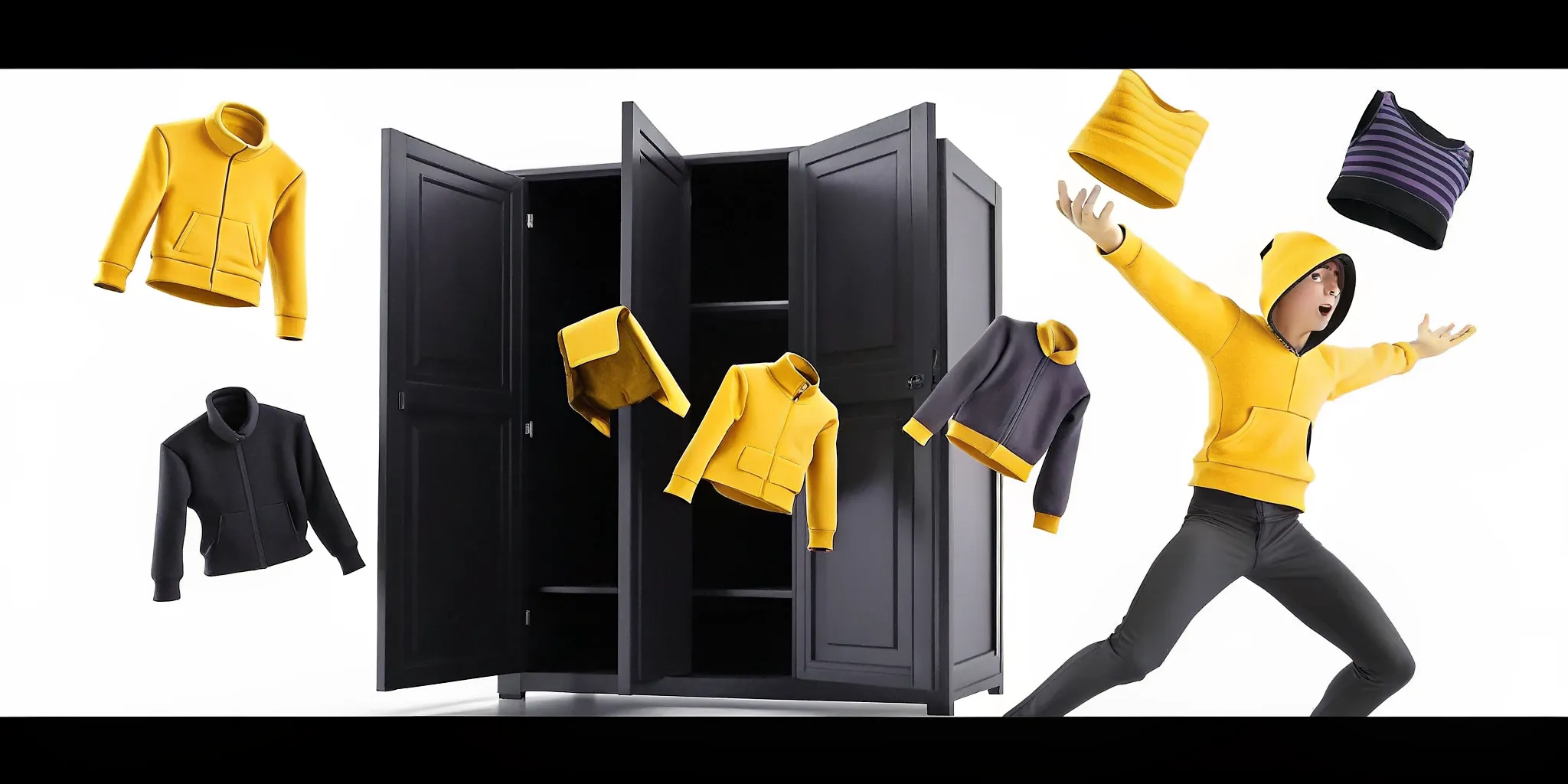
Specialized tools can extend that item layer. The Genies Art Forge SDK is designed for 3D wearables, props, and future styles. It is a developer product alongside the Avatar SDK, not a feature of Genies Chat.
Interoperability across game worlds
Cross-game avatar and item interoperability is the bigger unlock. When the underlying systems support it, a player can carry a recognizable identity and eligible items between compatible digital environments. That gives your team a stronger foundation for continuity across titles, while players get more value from the work they put into their avatar.
In short, an AI avatar SDK handles the repeatable infrastructure: generation, customization, clothing, UGC, and asset portability. Your team can focus on the parts that make the world worth entering.
What Makes an Avatar "AI"? Behavior, Memory, and Personality
An avatar feels like AI when it does more than display a face or repeat a scripted animation. It responds with a recognizable personality, remembers relevant context, and expresses itself in real time. The behavior layer connects those capabilities, turning a polished 3D model into a character that can act with intent.
Looks create recognition. Behavior creates identity. A character can have a distinctive voice, preferences, mannerisms, and boundaries, then apply them consistently as interactions unfold. Memory gives those choices continuity. Instead of treating every exchange as a blank slate, the character can use approved context to respond in ways that fit its history and role.
Personality is more than a dialogue style
Personality should shape what a character notices, how it responds, and when it chooses to react. A playful NPC might tease a player after a risky move. A careful guide might ask a clarifying question before offering help. Those differences make a character legible. They also give developers a practical way to design behavior rather than hard-code every possible line.
Memory gives interactions continuity
Memory is useful when it is purposeful and bounded. A game can retain the details that matter to a relationship, quest, or player preference without treating every piece of conversation as permanent. That layer adds depth to NPCs because their responses can reflect what has already happened, not just the current trigger. Personality and memory work together: one defines the character, while the other gives its choices a sense of history.
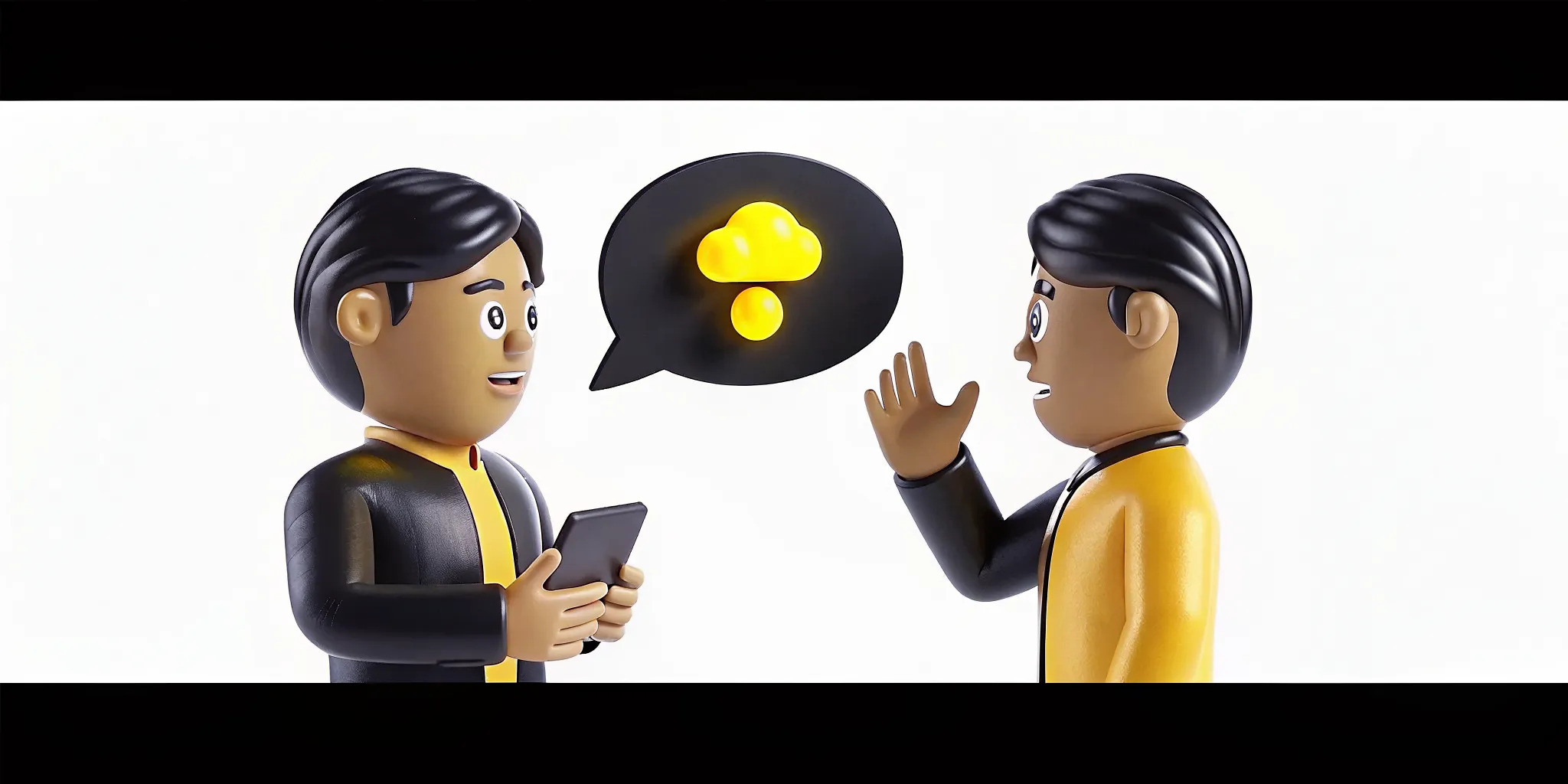
Personality: establishes voice, preferences, boundaries, and social behavior.
Memory: carries relevant context from earlier interactions into later ones.
Real-time expression: aligns voice, mannerisms, tone, and facial response with the moment.
Training a persona across Looks, Brain, Behavior, and Play keeps these parts connected. The visual identity should not feel detached from the character's decisions, and the decisions should not ignore how the character moves or reacts. This is why an AI avatar SDK needs more than avatar generation and rendering tools.
Genies Smart Avatar SDK is a standalone developer product that adds the behavior layer for characters and NPCs. It is designed for teams building intelligent characters into their own games and applications, not as a feature of another consumer product. That distinction matters. The SDK gives developers a foundation for defining how a character thinks, remembers, and responds while the surrounding game determines the rules of the world.
How to Choose an AI Avatar SDK for Your Game
The right SDK should cover more than a good-looking character. Compare visual fidelity, customization, AI behavior, engine support, content ownership, interoperability, licensing, and the amount of infrastructure your team must maintain. The goal is not to buy the biggest feature list. It is to remove the work that does not make your game better.
Start with the player-facing result, then work backward to the technical requirements. A stylized social game may value expressive proportions and fast content creation over photorealism. A competitive title may need predictable performance, strict moderation controls, and a clear answer on who owns user-generated items. Some platforms also target specific device pipelines, such as mobile camera input, so confirm runtime requirements before your team commits to an integration.
Use these criteria before you compare vendors
Fidelity and style: Can the system deliver the visual language of your game, from proportions and materials to facial expression?
Behavior layer: Does it support personality, memory, and real-time expression for characters or NPCs, or will your team build those systems separately?
UGC and clothing: Can players customize avatars, wearables, props, and styles without creating a new pipeline for every item?
Engine support: Does the SDK fit your engine, target platforms, rendering stack, and performance budget?
Interoperability: Can avatars and items move across game modes or future titles, or are they locked to one environment?
Licensing: Check runtime fees, seats, distribution rights, commercial use, data handling, and what happens if you scale from a prototype to a large launch.
Building from scratch vs integrating an AI avatar SDK | ||
Evaluation area | Build from scratch | Integrate an AI avatar SDK |
|---|---|---|
Character fidelity | Maximum control, but your team owns the full character, rigging, rendering, and optimization pipeline. | Start with a tested character system and tune the look to your game. |
AI behavior | Build personality, memory, expression, orchestration, and guardrails as separate systems. | Choose an SDK with a behavior layer that matches the depth your characters need. |
UGC and clothing | Create authoring tools, item formats, validation, storage, and moderation workflows. | Use existing avatar generation, modular editing, clothing, and wearable support where available. |
Development time | Longer before players can customize and use a complete character. | Shorter path to a playable implementation, subject to integration and review. |
Maintenance | Your team maintains every layer as devices, engines, and player expectations change. | The vendor maintains core systems, while your team manages the game-specific integration. |
That tradeoff matters for teams of every size. Avatar SDK vendors serve customers ranging from startups to large companies, but the right choice still depends on your game, platform mix, and roadmap. For Unity developers, the Genies Avatar SDK is designed as a complete system for high-fidelity, customizable, game-ready characters and UGC. It includes the core avatar workflow, a modular in-game editor, clothing support, and cross-game avatar and item interoperability. Genies Art Forge SDK adds 3D wearables and future props, giving your content team room to keep shipping fresh items without rebuilding the character foundation.
How to Add an AI Avatar SDK to Your Game
Adding intelligent, customizable characters to a Unity game does not have to mean building every system from zero. An AI avatar SDK can simplify the path from character concept to a playable, testable avatar. Treat the integration like a product workflow, not a one-time asset drop.
Pick the SDK around your character needs. Start with the player experience, then work backward. Decide whether you need customizable player avatars, NPCs with personality, real-time expression, creator tools, or some combination. Check Unity compatibility, runtime requirements, licensing, supported platforms, and how much of the avatar pipeline the SDK covers. The right choice should reduce foundational work without boxing your game into a narrow character style.
Download and integrate the SDK into Unity. Create a clean branch or test project before adding the package to production. Follow the step-by-step guide for the download and setup sequence. Confirm that dependencies resolve, required packages are present, and the SDK initializes in the editor. Keep this first pass boring. Boring integration is a win.
Set up sample scenes and test the basics. Use sample scenes to understand the expected project structure and interaction flow. Test avatar loading, scene transitions, camera framing, animation playback, and input before adding your own game systems. A small, working scene gives the team a reliable reference when something breaks later.
Customize the avatars and editor. Map the SDK's customization controls to your game's identity. Define the parts players can change, the looks you want to curate, and the boundaries that protect performance and visual consistency. Test saved configurations, loading times, outfit changes, and the way avatars read at the actual gameplay camera distance. If your team needs more design guidance, review a custom avatar design workflow.
Wire up AI behavior and expression. Connect the character's behavior to your game state, dialogue, memory rules, and animation triggers. Decide which reactions should be immediate, which should persist, and which need a fallback when a service or response is unavailable. Test interruption, repetition, silence, and unexpected player input. The goal is a character that feels responsive without stealing control from the game.
Ship a focused slice, then iterate. Release one well-defined avatar loop first, such as a focused NPC interaction, a customizable player character, or a single social hub. Measure load time, frame rate, crash reports, customization usage, and player feedback. Fix the rough edges before expanding the roster. An AI avatar SDK simplifies Unity integration, but the best results still come from tight testing and deliberate iteration.
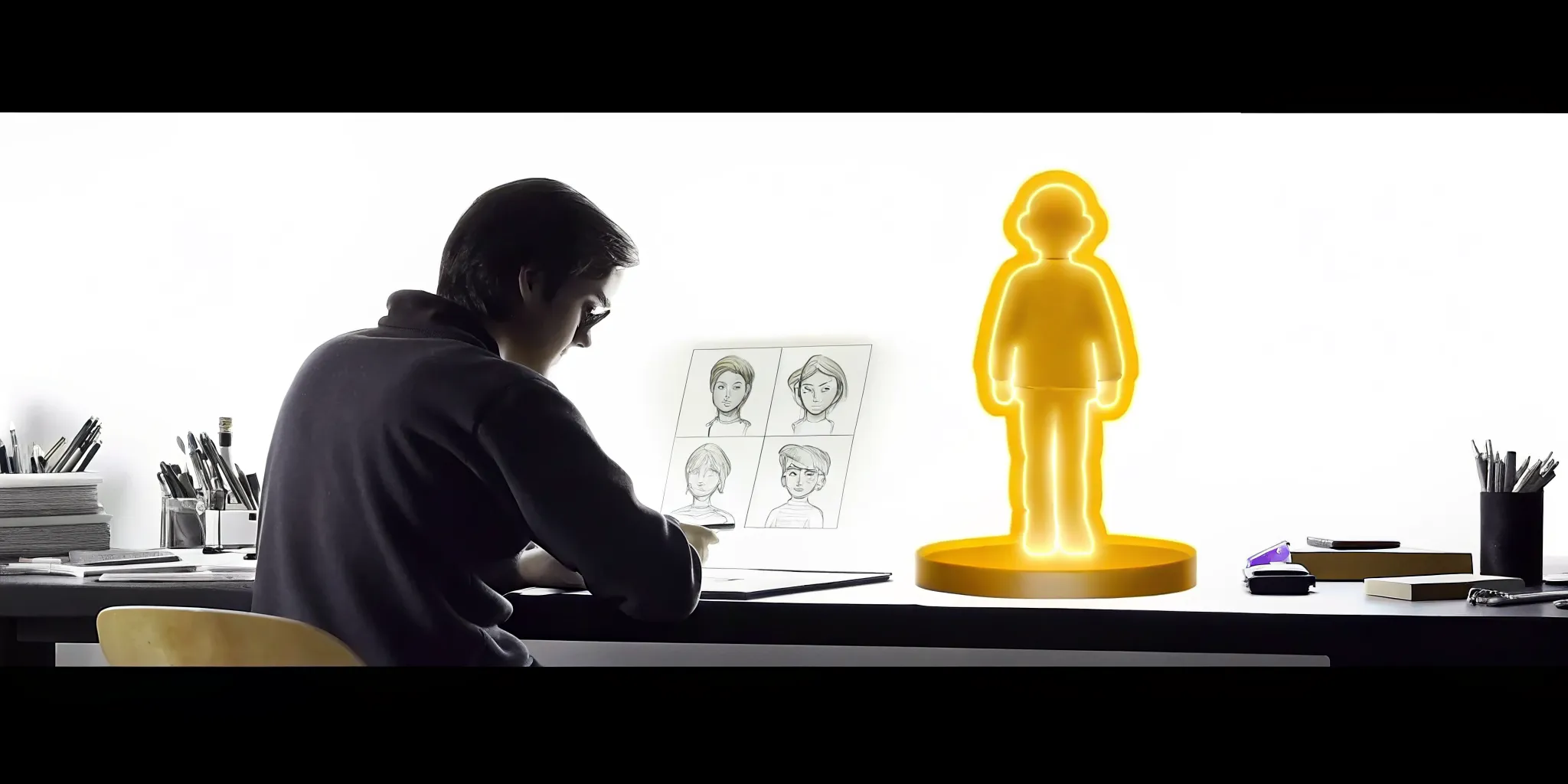
Once the core loop is stable, expand the character system where it adds genuine play value, not merely because another slider exists.
The Genies SDK Stack: Avatar, Art Forge, and Smart Avatar SDKs
A strong AI avatar SDK should cover more than a character model. It should give your team the systems needed to build the look, the items, and the behavior of an in-game identity. The Genies SDK stack separates those jobs into three standalone developer products for Unity, so you can assemble the right character system without rebuilding every layer from scratch.
Genies Avatar SDK: the character foundation
The Genies Avatar SDK is the core system for bringing customizable, game-ready characters into a Unity project. It covers avatar generation, a modular in-game editor, and a clothing system, giving players meaningful control over how their characters look. It also supports cross-game avatar and item interoperability, which creates room for identity and inventory to travel beyond a single title.
That foundation matters because character customization is not one isolated feature. It touches asset management, player interfaces, item rules, and the way a character appears across different parts of a game. The Avatar SDK gives developers a common layer for those decisions. For a closer look at the latest implementation details, see the notes on SDK performance, or explore the Genies developer tools directly.
Genies Art Forge SDK: the item layer
The Art Forge SDK extends that character foundation with 3D wearables, props, and styles. It is the toolkit for building the things characters collect, equip, and use to signal who they are. That can mean a new outfit, a signature accessory, a world-specific item, or a future style that gives your content pipeline more room to move.
Create 3D wearables that fit into a modular avatar system.
Develop props and styles that support different game worlds and IP.
Give creators and players more ways to shape a character's visual identity.
Genies Smart Avatar SDK: the behavior layer
The Smart Avatar SDK adds AI behavior for characters and NPCs. Its focus is personality, memory, and real-time expression, so a character can respond with more than a preset animation or a static line. This is where the visual identity gains a behavioral identity: a character can retain context. Express a consistent personality, and react in ways that feel connected to the moment.
Together, the three SDKs map to the main parts of an AI persona: Looks, Brain, Behavior, and Play. The Avatar SDK handles the character system, Art Forge gives it a living wardrobe and item layer, and Smart Avatar adds behavior. Genies has also documented its Unity partnership, reflecting the stack's focus on developers building directly in Unity. These are standalone Unity tools, not features of Genies Chat. That distinction keeps the architecture clear and lets a studio choose the layers its game actually needs. The same personas that power character systems also make Genies Chat feel like talking to someone who is actually there, because the underlying characters carry the same voice, expression, and personality into every interaction.
See how customizable AI-powered avatars can fit into your next Unity build.
Frequently Asked Questions
What is an AI avatar SDK?
An AI avatar SDK is a developer toolkit for adding customizable, high-fidelity characters to a game or other digital project. It can bring together avatar creation, a modular editor, clothing, game-ready assets, and intelligent behavior, so teams do not have to build every character system from scratch.
How can game developers use an AI avatar SDK?
Developers can use one to create player avatars, customizable NPCs, social characters, and in-game UGC. A Unity integration can handle the character foundation while the game team focuses on gameplay, progression, world-building, and the moments players will remember. The AI layer can add personality, memory, and real-time expression to characters.
What are the benefits of using an AI avatar SDK for customizable avatars?
The biggest benefit is scope. A modular system gives players more ways to shape a character without forcing the studio to maintain separate tools for appearance, clothing, animation, and behavior. Cross-game avatar and item interoperability can also make a player's identity and collection more portable across digital environments.
What is the difference between an AI avatar SDK and a 3D avatar creator?
A 3D avatar creator usually focuses on making a character's appearance. An AI avatar SDK covers a wider system: character generation, customization, in-game editing, assets, and behavior. That means the avatar can become an active game character with personality and memory, rather than a model that only looks the part.
Ready to start building AI-powered game avatars?
A strong avatar system can give your game characters more identity without asking your team to build every tool from scratch. Get started with Genies developer tools to explore the SDKs and see how customizable avatars, wearables, and intelligent behavior can fit into your next Unity project.